
A security incident report gets written in five minutes. It may get reviewed five months later.
That time gap is the whole point of security incident reporting. The report is not just a note that something happened. It is the record someone will rely on when the officer is not standing there anymore, the scene has changed, the client is asking questions, and nobody wants to reconstruct the event from memory.
In plain language, security incident reporting is the process of documenting a physical security event in a way that explains what happened, where it happened, when it happened, who was involved, what evidence exists, and what action was taken.
That sounds simple. In practice, most weak reports fail because they were written for the wrong audience.
Security Incident Reporting Has More Than One Meaning
The phrase "security incident reporting" gets used in a few different industries. That creates confusion.
For a cybersecurity team, a security incident might mean a compromised account, a ransomware event, unauthorized access to a system, or a suspected privacy breach. That kind of incident can trigger technical investigation, legal review, client notification, or regulatory reporting.
For a physical security team, a security incident usually means something that happened at a site:
A break-in or attempted break-in
Property damage
A slip and fall
A trespasser or unauthorized person
A vehicle collision in a parking lot
A dispute between tenants, visitors, or staff
A patrol finding, such as an unsecured door or broken lock
A medical, fire, or police response
There is overlap. A physical incident report can contain personal information, photos, license plates, names, and witness details. In Canada, those details may raise privacy and retention questions depending on the organization, province, client contract, and use case. This post is not legal advice. The practical point is narrower: know whether you are documenting a physical site event, a cybersecurity event, a privacy/compliance event, or more than one at the same time.
FieldPad is built for the physical and operational side: guards, parking officers, property teams, patrol staff, inspectors, and field operators who need reliable records from the site.
The Purpose Is Not To Write A Nice Summary
A good incident report is not a polished story. It is a usable record.
When a report is reviewed later, the reader is usually trying to answer specific questions:
What happened?
When was it first observed?
Where did it happen?
Who was present?
Who documented it?
What did they personally observe?
What evidence supports the report?
What action was taken after the observation?
Was anyone notified?
Has the record been changed since it was submitted?
That reader might be a client, property manager, insurer, lawyer, police officer, supervisor, municipal administrator, or internal reviewer. Each one cares about a slightly different part of the record.
The client may care whether the guard responded properly. The insurer may care whether the area was inspected before the claim. The police officer may care whether a witness saw the event or only saw the aftermath. A supervisor may care whether procedure was followed. A lawyer may care whether the report can be trusted as an original business record.
This is why the audience matters. If you only write for the person reading the shift summary tomorrow morning, the report may be too thin for the person reviewing it during a dispute.
What Every Security Incident Report Needs
The minimum fields are not complicated. The discipline is making sure they are captured every time, in the same place, without relying on the officer to remember what the form should have asked.
A basic security incident report should include:
Date and time. Capture both when the incident was observed and when the report was submitted. Those are not always the same.
Location. Use the site name, specific area, unit, floor, parking level, entrance, or GPS location where appropriate.
Reporting person. The report should identify the officer or staff member who made the observation, not just a shared account or generic shift login.
People involved. Names if known, descriptions if names are not available, and roles where relevant: tenant, visitor, contractor, staff, suspect, witness, complainant.
Incident type. Property damage, trespass, noise complaint, medical assist, vehicle issue, access control issue, patrol finding, or another defined category.
Narrative. A plain sequence of what the officer personally observed, what was reported to them, and what they did next.
Photos or attachments. Scene photos, damage photos, documents, IDs if policy allows, vehicle plates, signage, or other relevant material.
Notifications. Who was contacted and when: supervisor, client contact, police, fire, EMS, building manager, maintenance, or another party.
Action taken. Directions given, area secured, person escorted, police file number collected, door locked, hazard taped off, report escalated.
Follow-up required. Repairs, review, client response, footage request, witness statement, or additional patrol instructions.
Some reports need more. A use-of-force event, medical emergency, privacy incident, arrest, or police attendance may require extra fields and a stricter review process. A broken light found during a routine patrol may not.
The mistake is using the same loose text box for everything.
Facts, Observations, And Assumptions Need To Stay Separate
Security reports get weaker when they blur what the officer saw with what the officer thinks happened.
"Male appeared intoxicated and was trying to break into the unit" may be fast to write, but it mixes observation with conclusion. A more defensible version separates the facts:
"Male was unsteady on his feet."
"Speech was slurred."
"Male pulled the unit door handle three times."
"Male stated he did not have a key."
"Officer asked whether he lived in the unit. Male did not answer."
The report does not need to diagnose intoxication or prove intent. It needs to preserve the observable facts so the reviewer can understand why the officer acted.
That same rule applies to damage, disputes, and complaints. If a tenant says, "that vehicle hit mine," the report should say who made the statement. If the officer did not witness the collision, the report should not imply they did. If the officer sees fresh scraping, broken glass, or a leaking fluid trail, those observations should be written plainly.
The more serious the incident, the more this distinction matters.
Where Reports Usually Break Down
Most security reporting failures are not dramatic. They are ordinary workflow problems.
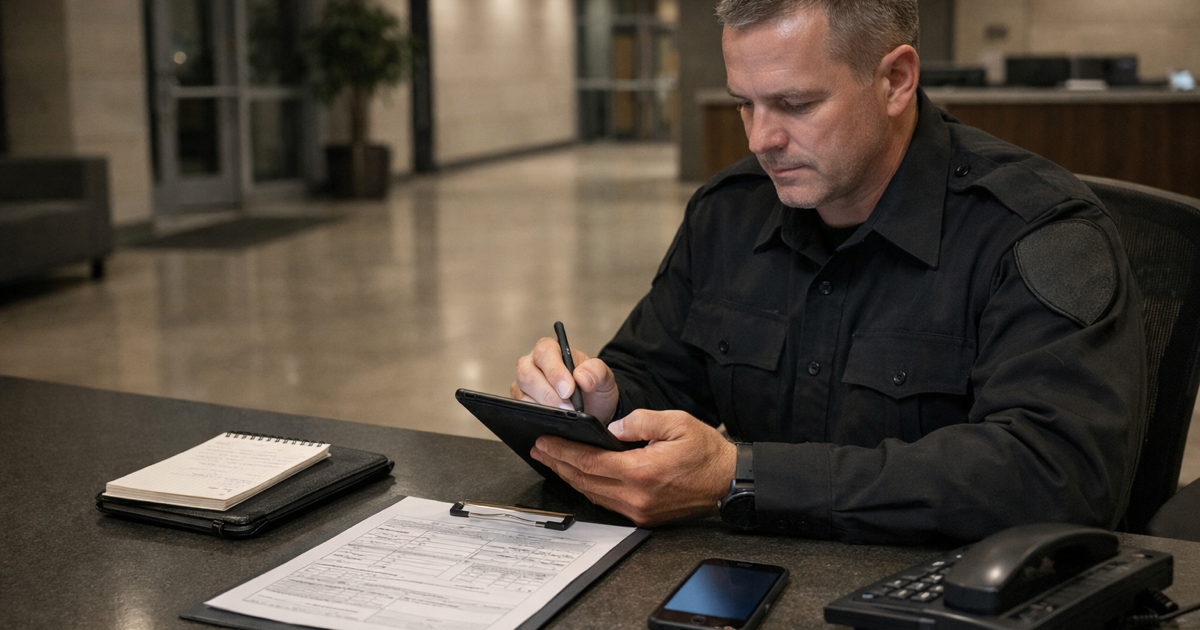
Most of the time, the problem is that the reporting workflow is fragmented. The officer has a paper form in one place, a memo book somewhere else, photos on a phone, a supervisor asking for an email summary, and maybe a shared login that does not clearly identify who wrote what. No signal can make that worse, but it is only one version of the problem.
That creates predictable gaps.
Disjointed records. The incident narrative is in a paper report, the photos are in the officer's camera roll, the police file number is in a text message, and the client update is in an email thread. Each piece may be accurate on its own. The problem is that none of it travels together as one record.
Memo book details are missing or unavailable. The officer may have left the memo book at the desk, written only a short note during patrol, or planned to fill in the details later. By the time the formal report is written, the exact sequence, wording, times, and descriptions may already be softer than they were at the scene.
Photos cannot be attached where they belong. Some report formats still do not support photo attachments. Others allow one image but not the full set. The result is a report that says "see photos," while the photos live somewhere else with no plate number, unit number, incident type, or narrative attached.
Late reporting turns observations into recollection. Officers often finish the route first and write the report later, especially if the site is busy, the form is back at the desk, the app is slow, or the property has dead zones. That delay matters because the report starts to depend on memory instead of direct observation.
Authorship and edits are unclear. A supervisor edits the wording later but the system does not show what changed. A shared login means nobody can prove which guard submitted the note. A client emails for the record six months later and someone starts searching folders by date.
Paper reports have their own version of the same problem. The report exists, but it sits in a binder at the site, on a shelf in the office, or in the wrong supervisor's drawer. The handwriting may be unclear or not legible. The officer used "approx." for the time. The report says "checked area," but does not say what was checked, which doors were looked at, what condition the area was in, or whether any supporting photos exist.
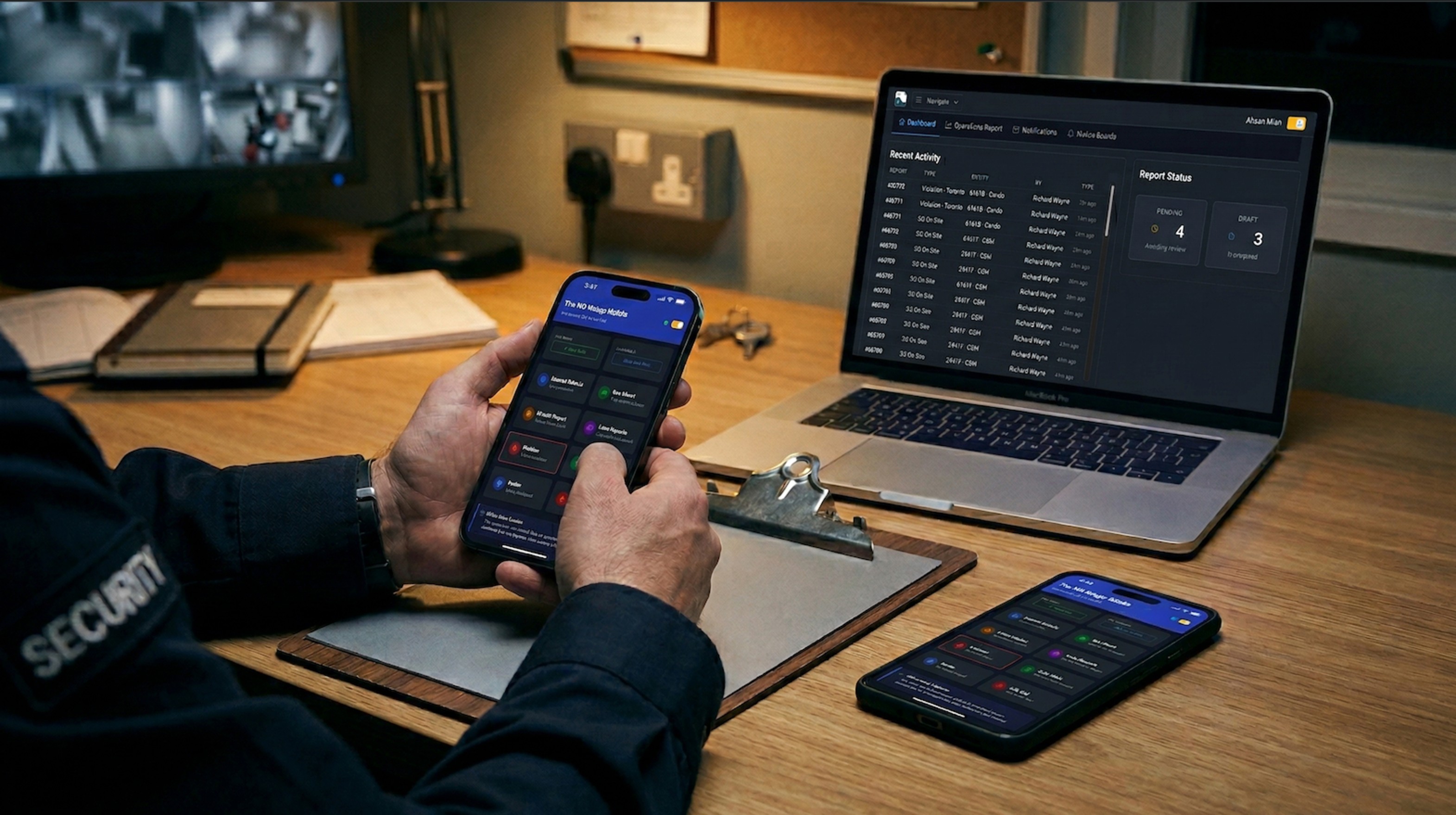
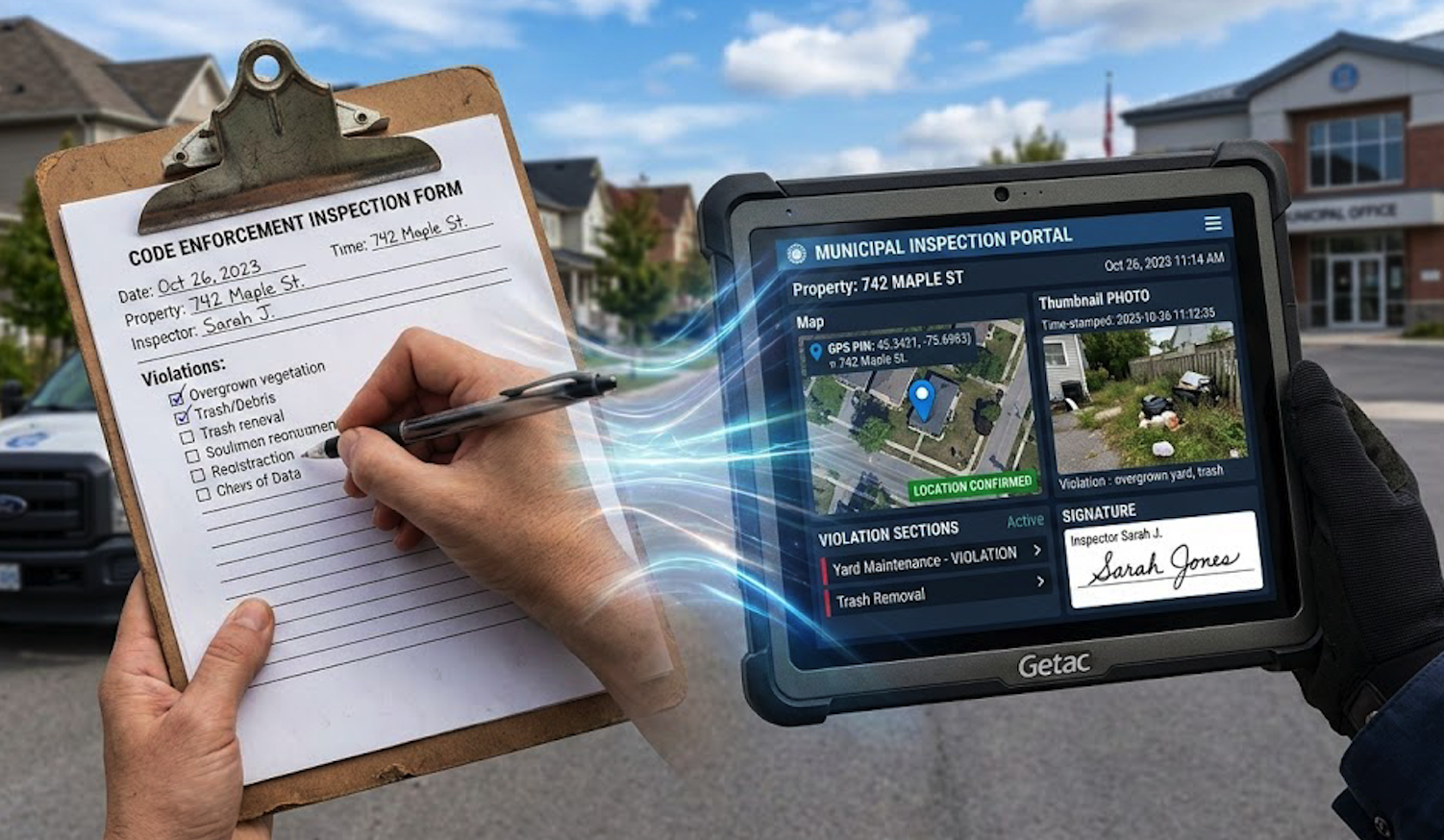
A digital process only helps when it brings those pieces together. The value is not that the final record is electronic. The value is that the narrative, photos, timestamp, author, site, and follow-up all live on the same submission instead of being reconstructed later from separate tools.
This is why incident reporting is not just about having an app. It is about whether the record can explain itself later.
For more on this, see why paper incident reports fail in court and what actually changes when teams move from paper to digital field documentation.
Do Small Security Teams Need Software?
Not always.
If you handle one quiet site, write fewer than five incident reports a month, and your client never asks for records, a disciplined paper or spreadsheet process may be enough for now. It still needs basic controls: consistent forms, secure storage, photo handling, and a clear retention policy. But you may not need a full reporting platform on day one.
The answer changes when any of these are true:
You have more than one client or property
Officers work on their own phones
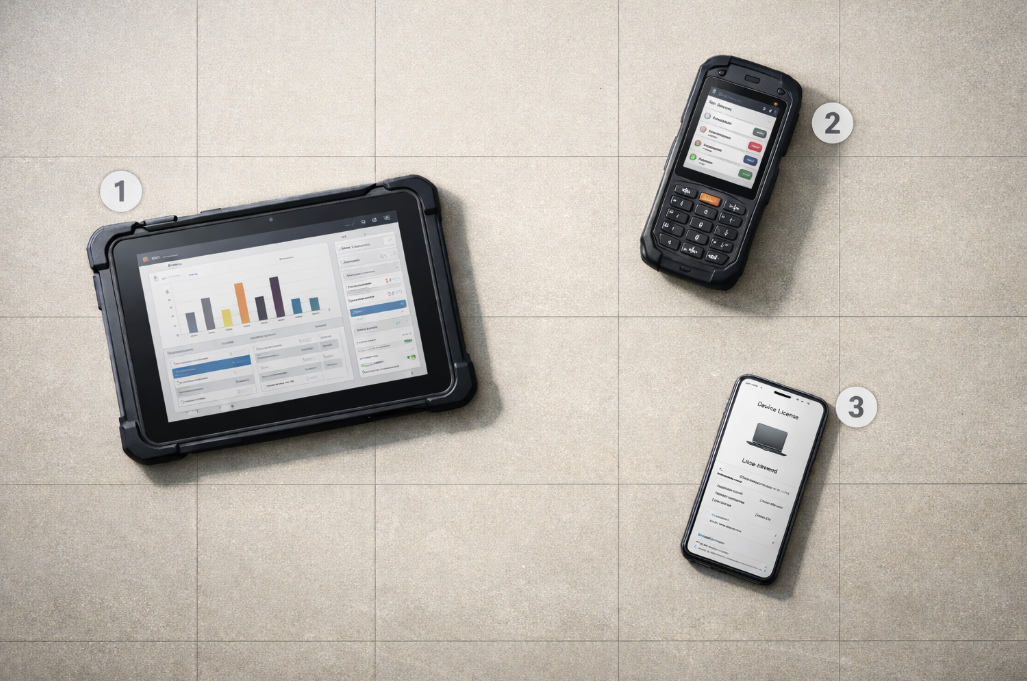
Officers share site phones or tablets between shifts
You run ad hoc sites where memo books get left behind, moved, or mixed between guards
Guards take memo books home, so details have to be requested later before a report can be completed
Reports need photos, signatures, GPS, or attachments
Clients ask for PDFs or historical records
You need to search by site, date, officer, vehicle, unit, or keyword
Supervisors review reports after submission
You have recurring incidents at the same location
A report may need to be relied on by an insurer, lawyer, police officer, or auditor
At that point, the issue is not convenience. It is record control.
You need to know where the report is, who wrote it, whether the photos are attached, when it was submitted, whether it changed, and how quickly you can retrieve it when someone asks.
A Practical Workflow For Physical Security Reports
A workable incident reporting process does not need to be complicated. It needs to be consistent.
Start with a small number of report types. A daily activity report is not the same as an incident report. A patrol checkpoint note is not the same as a police-attended event. If everything goes into one general notes field, the report quality depends too much on the individual officer.
Then define required fields by report type. A property damage report might require photos, location, witness details, and notification to the client. A trespass report might require description, direction of travel, police attendance, and whether the person was known to staff. A maintenance hazard might require a photo, exact location, and follow-up owner.
Make the form do some of the work. If a photo is mandatory, make it mandatory. If location matters, capture it at submission. If the client needs a copy, route the report instead of asking the supervisor to remember. If the site has dead zones, make sure officers can complete the report offline and sync later with the original timestamp intact.
The goal is not to make officers write longer reports. It is to make the right details harder to miss.
Questions To Ask About Your Current Reports
Pull one incident report from three months ago. Not the best one. A normal one.
Then ask:
Can you tell exactly who wrote it?
Can you tell when the observation happened, not just when the report was filed?
Does the location identify the actual place on the property?
Are the photos attached to the report, or stored somewhere else?
Does the narrative separate what the officer saw from what someone told them?
Can you see whether the record changed after submission?
Could you find every related report from the same site or unit in under a minute?
If a client, insurer, or investigator asked for it today, would you trust it?
Those questions are a better test than asking whether your team "does incident reports." Most teams do. The harder question is whether the report still carries its own weight after the shift is over.
Want incident reports that are easier to rely on later? FieldPad lets officers complete structured reports from any modern browser, attach photos, capture timestamps and GPS, work offline when signal drops, and share finished PDFs with clients when the record needs to leave your team. Learn more about the Report Builder →