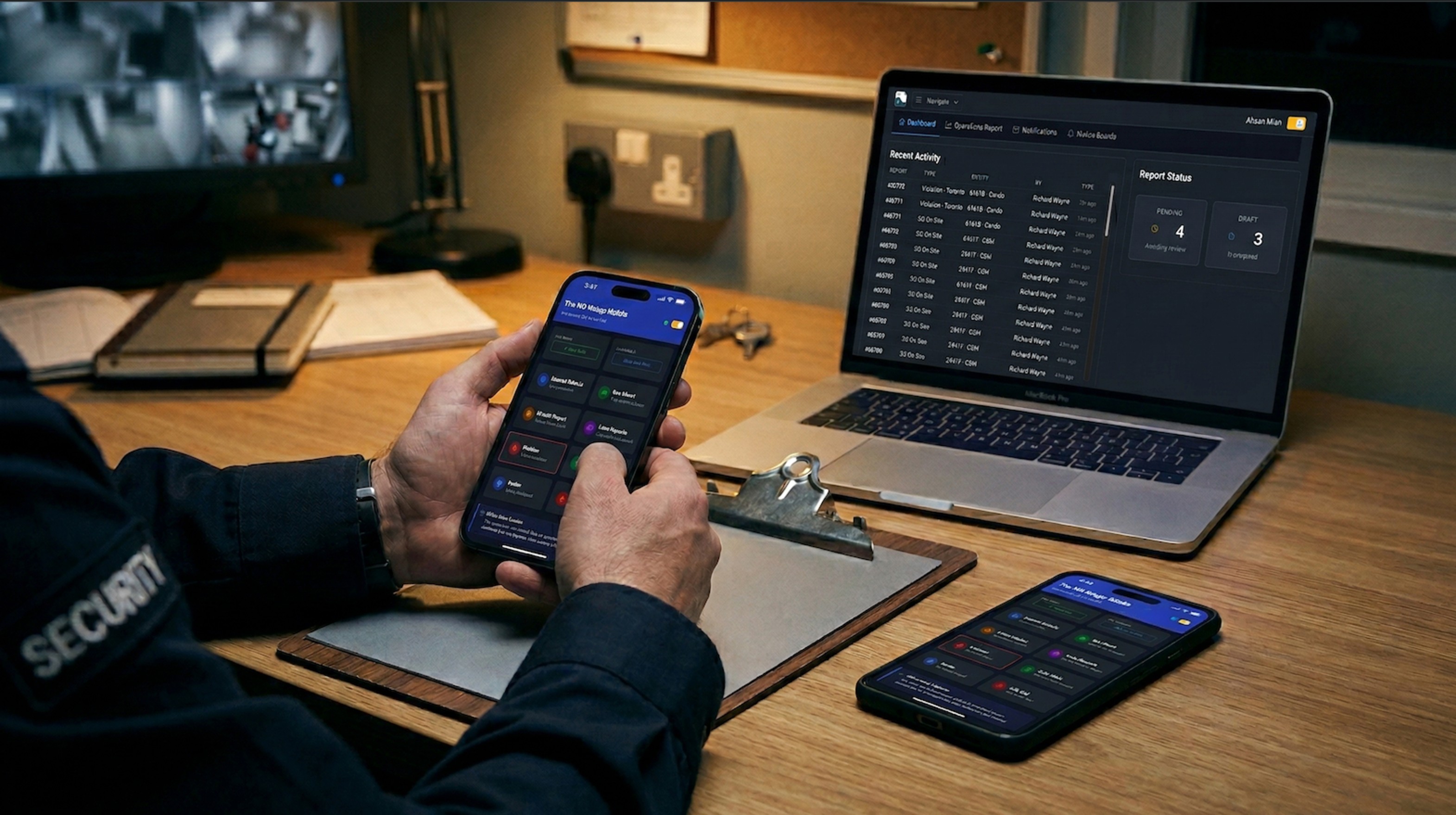

A code enforcement inspector documents a property violation. Overgrown lot, abandoned vehicle, structural damage — the type matters less than what happens next. The property owner appeals.
At the hearing, the board asks for the inspection record. The inspector's notes are on a paper form, filed months ago. The photos were taken on a department phone that has since been replaced. The timestamp is a handwritten date. There is no GPS record proving the inspector was actually on site.
The appeal succeeds. Not because the violation didn't exist, but because the documentation couldn't prove it did.
This is where municipal code enforcement breaks down. The inspections happen. The violations are real. But the records fall apart under scrutiny because they were never built to withstand it.
The Clipboard Problem
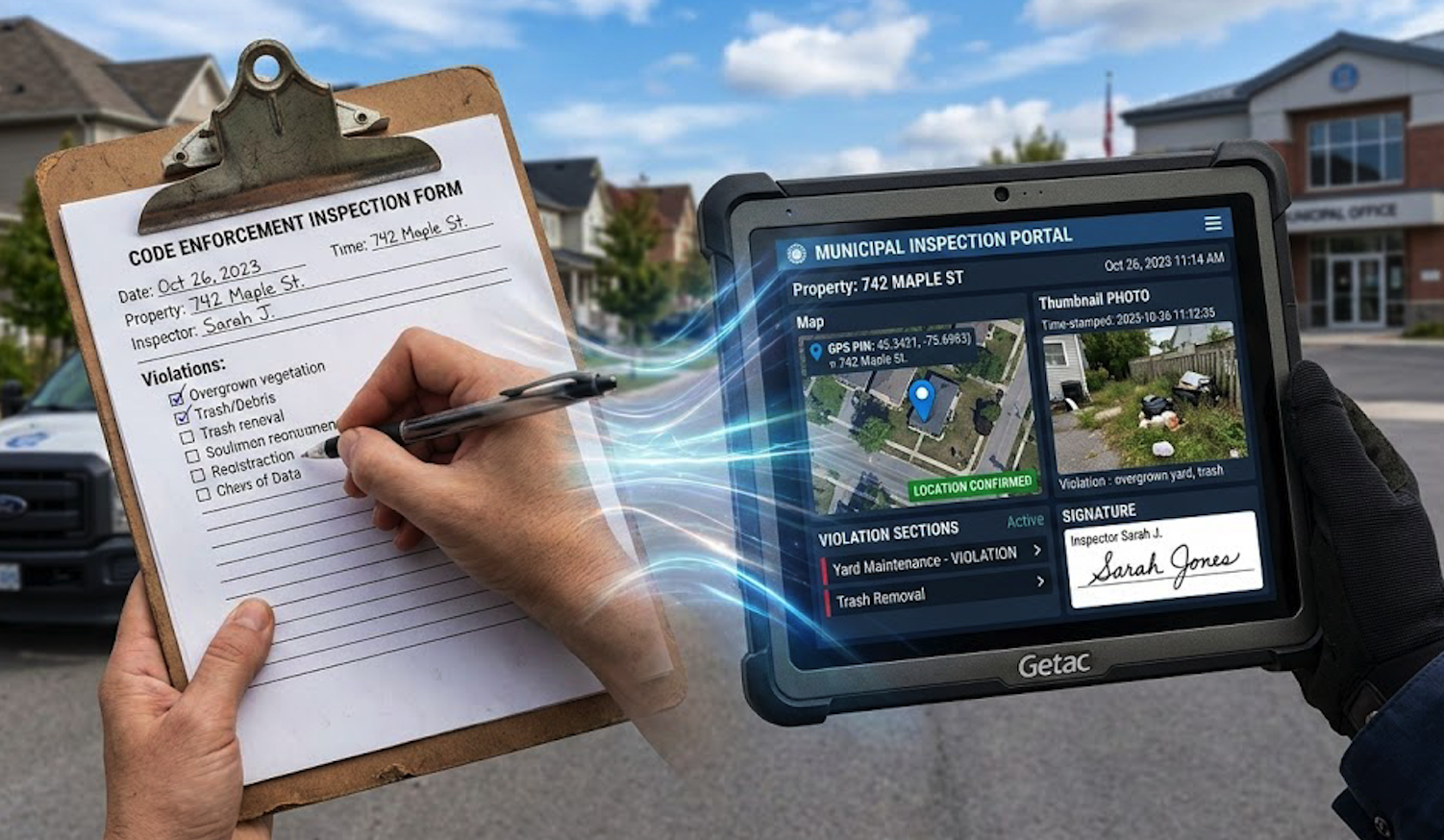
Most code enforcement teams still follow the same workflow. Inspector drives to a site. Writes notes on a paper form. Takes photos on a phone. Drives back to the office. Types everything into a system hours later, or the next day, from memory.
At every step, something gets lost. Photos sit on personal devices. Notes get abbreviated between the field and the desk. Timestamps reflect when data was entered, not when the inspection happened. If the inspector is out sick the next day, those notes might not get entered at all.
The work gets done. The documentation doesn't keep up.
Appeals and Legal Challenges
Property owners challenge violations. It is their right, and hearing boards take it seriously. When an appeal lands, the question is whether your inspection record can stand on its own.
Can you prove the inspector was physically at the property? Can you prove when the inspection occurred? Are the photos verifiable — taken at the right time, at the right place, by the right person? Has anything been altered since submission?
Paper forms and phone photos rarely answer these questions well enough. The violation was legitimate, but the record doesn't prove it.
Records Requests
Municipal records are public. When a resident, attorney, or media outlet requests records, your team has to locate, compile, and produce the relevant documents. If inspection records are spread across filing cabinets, email chains, and personal devices, fulfilling that request becomes a project. Searchable digital records in a centralized system can be retrieved and exported as PDFs in minutes rather than days.
What Code Enforcement Inspectors Actually Need
Municipal inspections have specific requirements that generic tools don't address. The right system captures evidence-grade documentation without slowing inspectors down.
GPS Verification
Every inspection should capture GPS coordinates automatically. Not entered by the inspector. Recorded by the device at the moment of documentation. This proves physical presence at the property.
When a property owner claims the inspector never visited, coordinates showing the inspector was standing on the sidewalk outside their lot end that argument. GPS capture can be configured to trigger automatically when the inspection form opens, when it is submitted, or both. The coordinates can be locked so they cannot be refreshed or cleared after capture.
System-Generated Timestamps
Timestamps need to come from the system, not from the inspector typing a date. Manual time entry invites errors. Worse, it invites challenges.
When the system records the exact moment a report is submitted on the server side, the timing is not debatable. The inspector did not select a time. The system recorded when the submission came in. That is different evidence than a handwritten date on a form.
Photo Documentation
Photos capture what words cannot. A description of "peeling paint and structural damage" means different things to different people. A photo with a timestamp showing when it was taken is harder to argue with.
When photos are captured within the inspection form, each one is recorded with the exact moment it was taken. These timestamps can appear in exported PDFs, proving not just what was documented but when. GPS coordinates captured on the same report complete the picture: what the inspector saw, when they saw it, and where they were standing.
Offline Capability
Inspectors work in basements, rural areas, construction sites, and neighborhoods with poor cell coverage. A system that requires constant internet will fail in exactly the locations where documentation matters most.
Offline capability means the app works without signal. Inspectors complete their forms normally. Data stores locally on the device. When connectivity returns, everything syncs automatically, including photos. If an inspector drives through a dead zone during their route, they don't lose work.
Customizable Violation Forms
Different violations require different documentation. A zoning violation needs different fields than a building code violation. A property maintenance inspection looks different from a sign ordinance check.
A form builder lets municipal teams design exactly what each inspection type requires. Required photo fields for visual evidence. Dropdown menus for violation codes. Sections for property owner information, corrective action timelines, and follow-up notes. Required fields ensure nothing gets submitted incomplete. If the form says a photo is needed, the inspector cannot skip it.
Site administrators can create and modify these forms without IT involvement or vendor support tickets. When codes change or new inspection types are added, the team updates the forms themselves.
Digital Signatures
Inspector certification and property owner acknowledgment matter during appeals. A digital signature captured on screen, with a timestamp recording exactly when it was signed, carries more weight than initials on a clipboard.
Signatures are embedded directly in the inspection record and appear in exported PDFs. There is no question about who signed, when, or which document they were acknowledging.
Implementation Without the Overhead
Municipal IT budgets are tight. Implementation needs to be simple.
Browser-based systems eliminate app store dependencies. Inspectors open a URL and log in. Updates happen automatically. There is no version management across dozens of devices, no Apple approval delays, no Android compatibility issues. Any device with a modern browser works, whether that is a phone, tablet, or desktop computer.
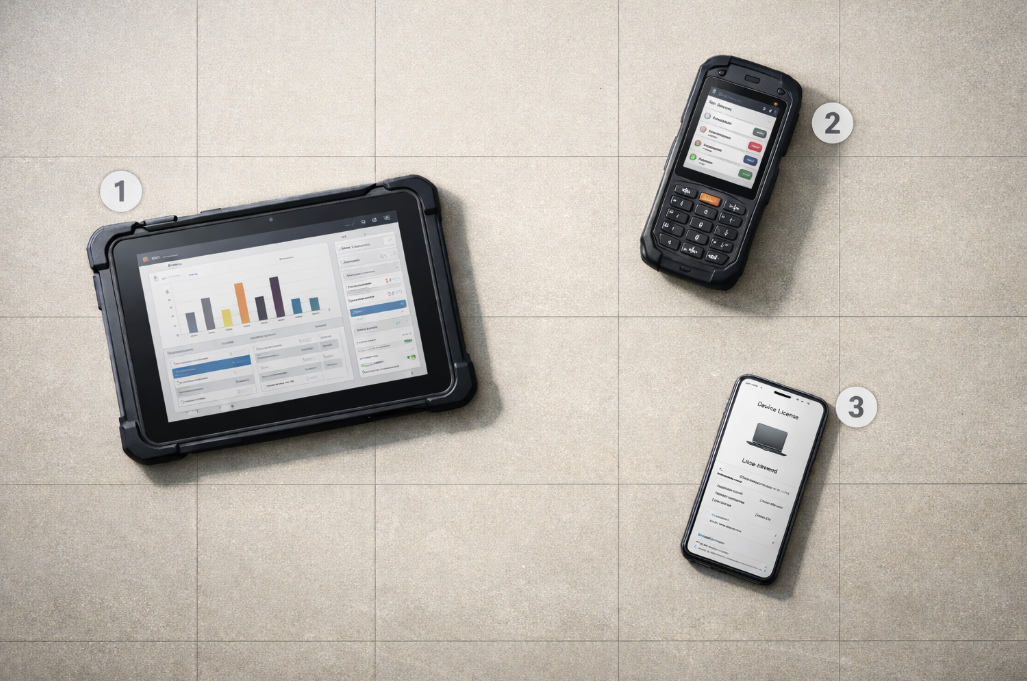
Device-based licensing keeps costs predictable. The department pays for the number of devices in use, not the number of inspectors on payroll. When seasonal staff rotate through the same tablets, the cost stays flat. Every inspector still gets their own login, preserving the audit trail, but the licensing model does not penalize staffing changes.
Questions Before You Commit
Before selecting any inspection documentation system, ask these:
Are GPS coordinates captured automatically, or does the inspector type a location?
Are timestamps generated by the system, or entered manually?
Do photos stay attached to the inspection record, or live on personal devices?
Does the app work when there is no cell signal?
Can we build our own violation forms, or are we locked into someone else's templates?
Can our team modify forms without filing IT requests?
What does our cost look like if we add ten seasonal inspectors next summer?
If any answer is uncertain, that is where problems will surface — during an appeal, a records request, or a budget review.
Documentation that cannot prove time, location, identity, and integrity is not evidence. It is paperwork. For municipal teams enforcing codes that carry legal weight, the difference matters.
Looking to modernize your code enforcement inspections? FieldPad gives your inspectors GPS verification, system-generated timestamps, required photo documentation, offline capability, and customizable violation forms — all in a browser-based system with device-based licensing. No app store. No per-inspector fees. Learn more onour resource page →