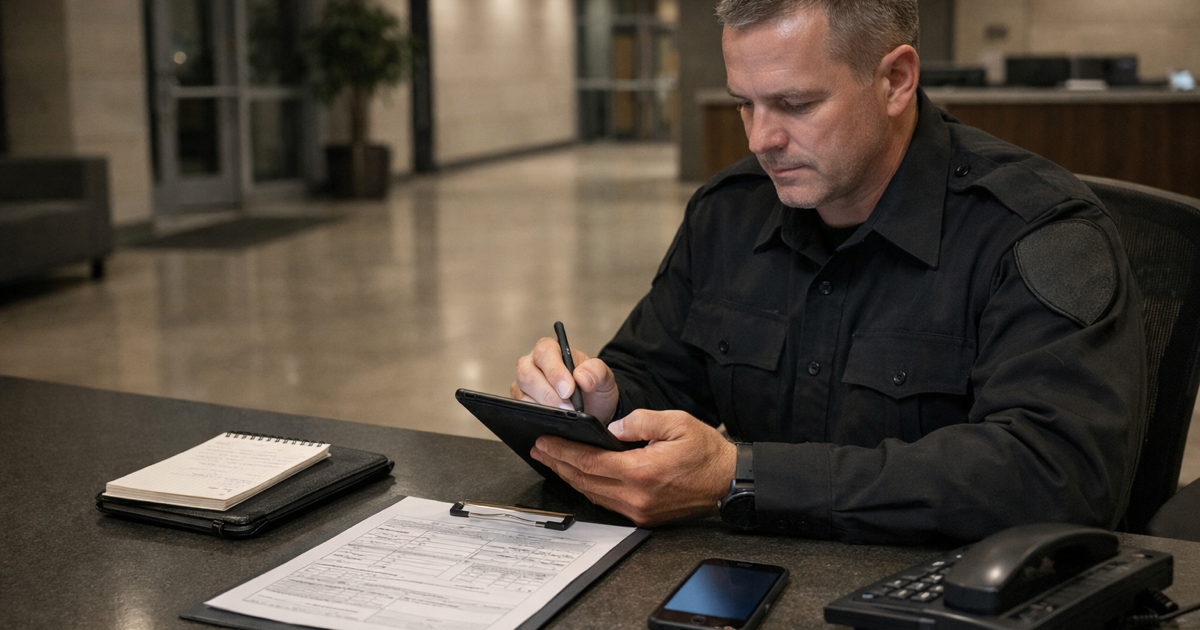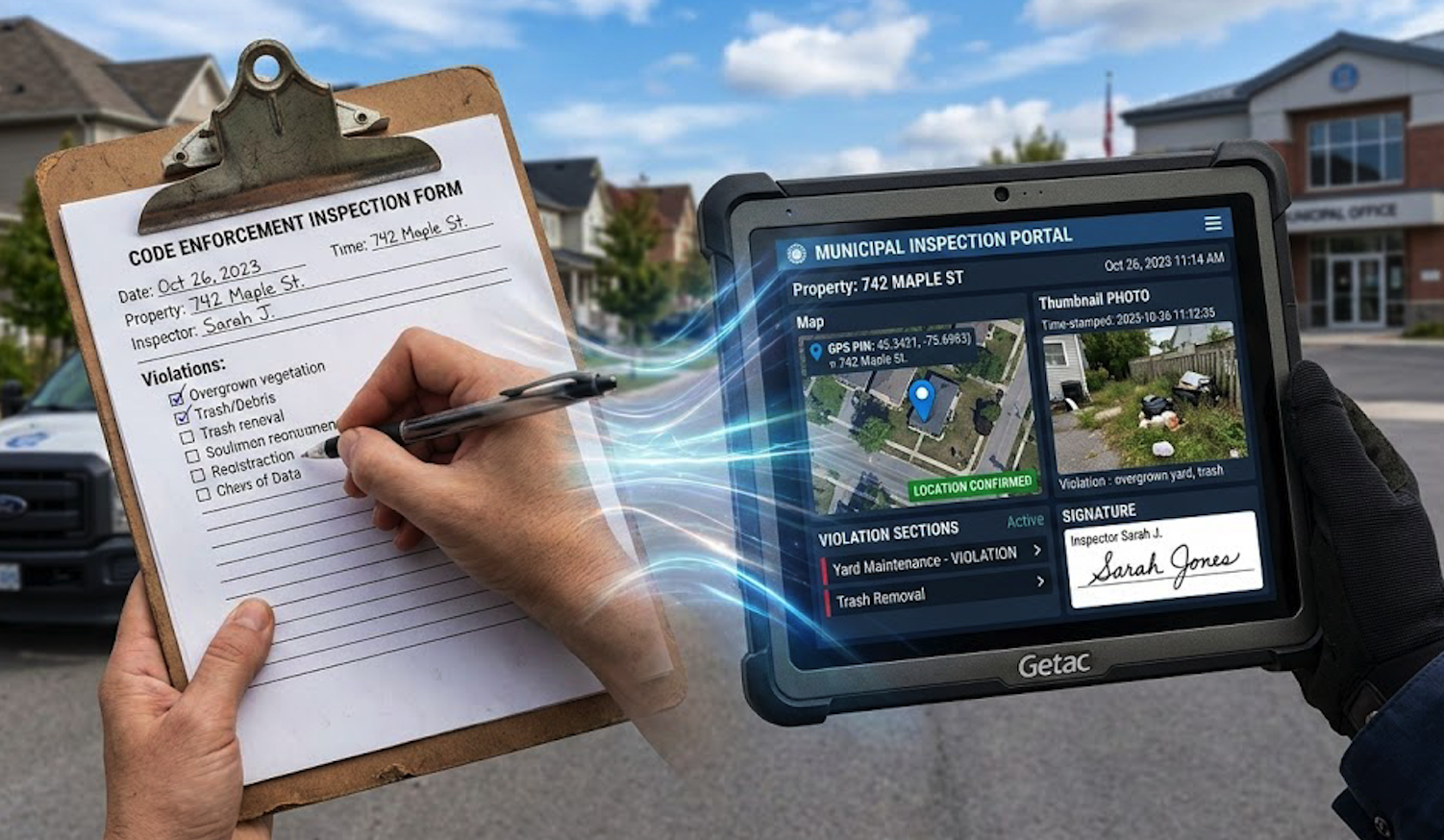

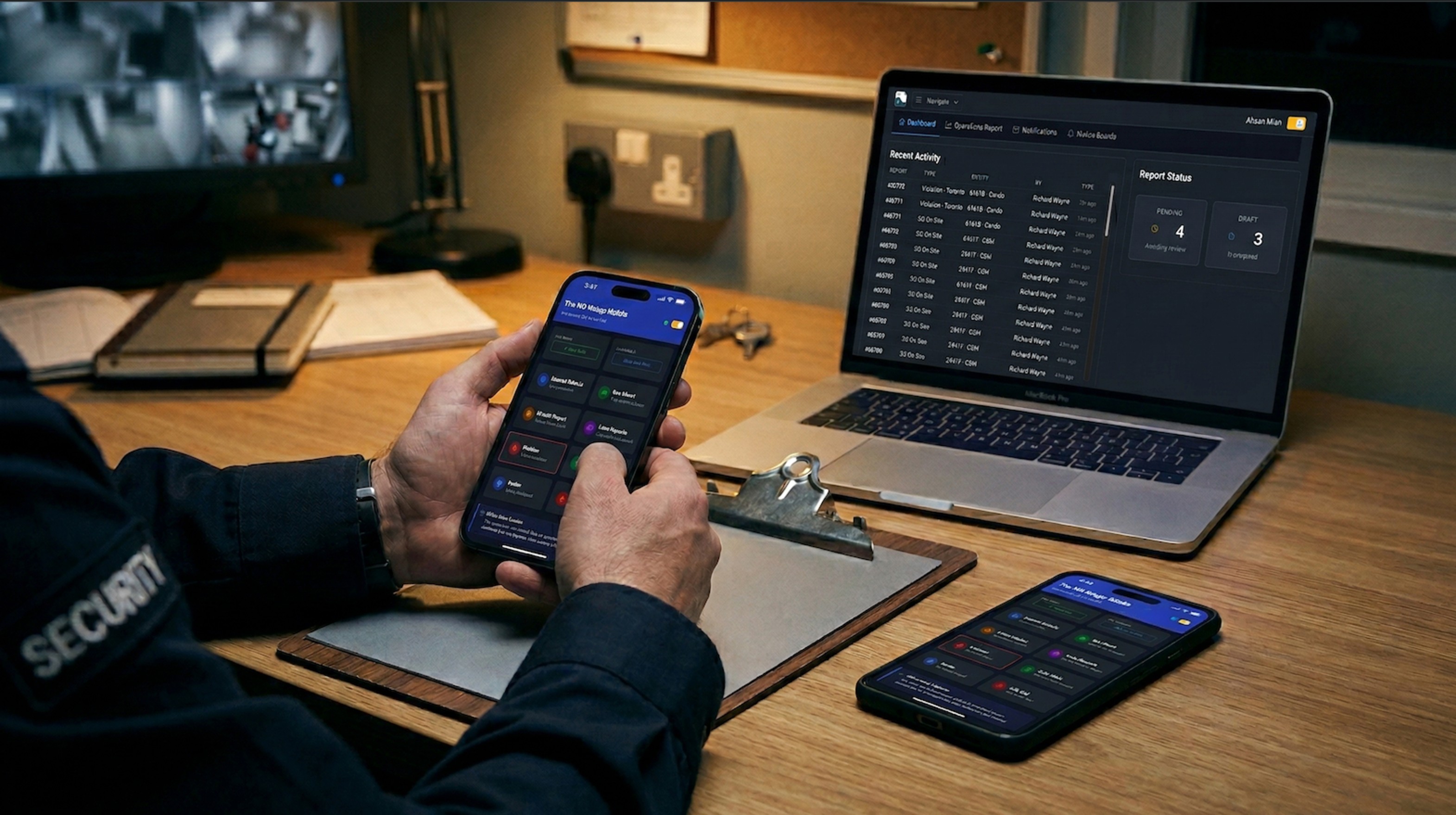
A new officer shows up for their first shift with their own Android phone, two versions behind the current one. The supervisor tells them to grab the company's patrol app from the Play Store. The app installs, asks for a login, and the login isn't provisioned yet because the person who handles accounts is on days off. The officer writes their first shift on paper.
This is how field software actually starts for people on the ground. Not with a slick demo — with a Play Store page, a version mismatch, and a workaround. Most of the marketing around field apps assumes every officer has a company-issued iPhone, an MDM profile, and the app already sitting on their home screen. That story has almost nothing to do with how a real security operation runs.
What the Native App Pitch Usually Sounds Like
Pick any native field-reporting product and the feature list reads roughly the same: background GPS tracking, continuous breadcrumb trails, geofenced checkpoints, live officer maps, push notifications, biometric login. It sounds impressive in a sales deck. A lot of it doesn't work the way the deck implies.
The Background GPS Problem
iOS is the clearest example. Apple has spent a decade tightening what third-party apps are allowed to do in the background, and location is near the top of the list. An app claiming to record an officer's position continuously across an eight-hour shift is either leaning on an "always allow" permission the user has to grant and re-confirm, or it's getting suspended within minutes of the phone locking.
When the OS suspends the app, the breadcrumb trail stops. When the officer unlocks the phone thirty minutes later, the app wakes up and resumes — and the gap either fills with a straight line between two points (which is a lie) or stays empty (which looks like the officer wasn't moving).
Android isn't much better. Aggressive battery managers on Samsung, Xiaomi, and OnePlus kill background services on their own schedule regardless of what the app requested. Users have to dig into device-specific battery settings to whitelist the app, and most people never do.
The result is a GPS feature that looks great in the demo, degrades quietly in production, and gets quoted back in court months later when the trail shows an officer "stationary" in a location they were actually patrolling.
The Accuracy Problem Nobody Prices In
Even when background tracking works, consumer phone GPS isn't what people think it is. Under open sky it's accurate to maybe 5 meters on a good day. Indoors, in a parking garage, or between tall buildings, it drifts to 20, 50, sometimes 100 meters. It snaps to roads. It confuses floors. It reports points the officer was never at. A patrol map built on that data is a rough sketch — not evidence.
If GPS is unreliable as a continuous record, what's actually useful is GPS at the moment of action. Not a passive breadcrumb trail, but a coordinate captured the instant an officer commits to writing something down — a report, a photo, a checkpoint scan. That single coordinate is cheap to capture, accurate enough at the moment it matters, and directly tied to a specific observation somebody actually made. A breadcrumb line drawn between system-suspended samples isn't.
How the Location Actually Gets Tied to the Report
The part worth being specific about is how the coordinate gets attached, because most field apps are vague about this on purpose.
In FieldPad, location isn't a global "always on" tracker bolted onto the app. It's a field type on the form itself. When you build a report template in the form builder, you add a GPS Location field where you want one, and you decide how it behaves: visible or hidden, optional or required, captured when the officer opens the form, or captured the instant they tap submit.
When that field fires, the browser asks the device's geolocation API for its current position. What gets stored is a small JSON blob: latitude, longitude, accuracy in meters, a timestamp, and (optionally) a reverse-geocoded address. That blob is saved as the value of that specific field on that specific submission — the same way a text answer or a photo is saved against its field. It isn't written into a photo's EXIF tags, where it could be stripped, rewritten, or silently dropped depending on the device. It isn't back-filled from a tracker sampling in the background. It's a field on the form, and it lives with the rest of the form's data.
Because it's a field, you get to decide when it's mandatory. A patrol check-in form can require a GPS capture at open. An incident report can require one at submit. A hidden-and-required configuration means the officer never sees a button — the coordinate is captured automatically as part of the submission, and the form can't be sent without it. No "forgot to press the GPS button" excuses.
Once a submission is written, it's stored against the submission record alongside the user, the timestamp, the form fields, and any attached photos or signatures. For teams on the compliance package, each submission also gets a SHA-256 integrity hash written at the time of submission, stored with its own timestamp on the record. If anything in the stored data changes later, the hash no longer matches — which is what makes the record defensible for court integrity certificates rather than just "we promise we didn't touch it."
That's a more honest story than "we track your officers." The coordinate exists because a field on a form asked for it, at a moment the officer committed to a specific observation, and it's bound to that observation for as long as the record exists.
Photos Do More Work Than Tracks
A photo taken in the moment, attached to a report that carries its own timestamp and GPS coordinate, is worth more than an hour of background tracking. It's a concrete artifact. It shows the scene. It's tied to a specific observation on a specific report submitted at a specific place and time. It survives review because it exists for a reason somebody can point to, not because a tracker happened to sample a coordinate while the officer walked past.
Most of the "proof of presence" work a supervisor actually needs can be covered by photo requirements on the right forms: a photo at the start of patrol, photos at each incident, a photo at each checkpoint if the route demands it. No always-on location permission. No battery drain. No 3 a.m. support ticket because an officer's phone killed the tracking service.
The irony is that the products selling the most aggressive tracking features are usually the ones papering over the weakest documentation.
What a Browser-Based PWA Actually Changes
A progressive web app is a website that's been built to behave like an installed app. The officer opens a URL in Safari or Chrome, adds it to their home screen, and from that point forward it has an icon, runs full-screen, works offline, and stores data locally. There's no app store page, no install, no approval, no version drift.
For a field team, the practical differences stack up fast.
Onboarding is an email link
New hire gets an account and a link. They open it on whatever phone they already own, log in, start working. No Play Store. No App Store. No "sorry, your phone is too old." No MDM enrollment. When they leave, access is revoked at the account level — nothing to uninstall, nothing left behind on the device.
Mixed devices stop being a problem
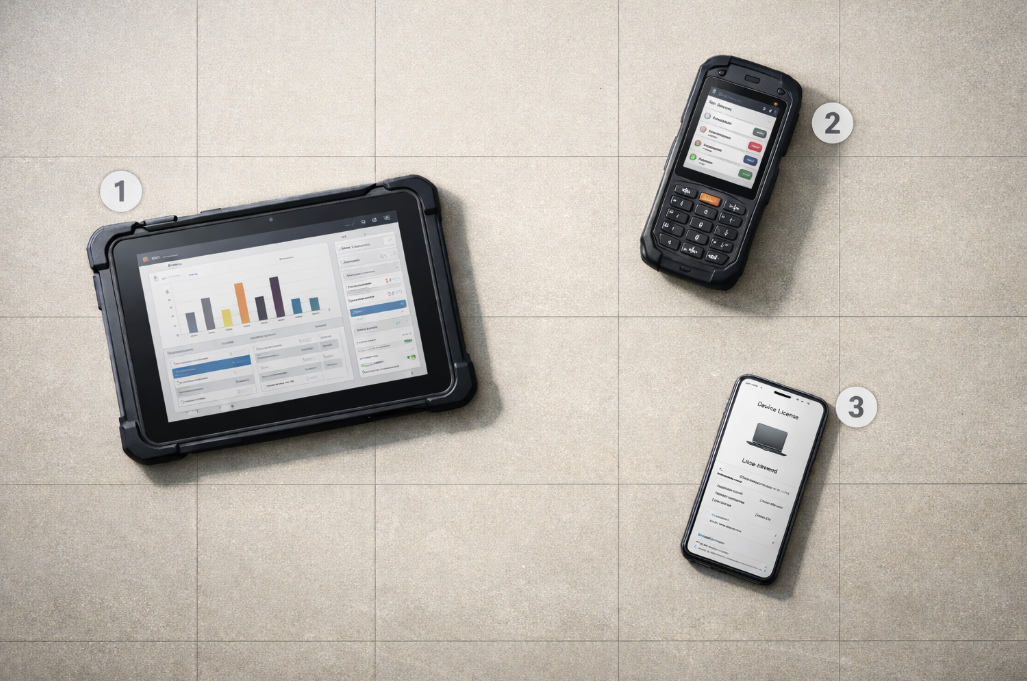
Real operations run on whatever phones the team brought from home, a handful of shared company tablets, and a couple of older units someone found in a drawer. A native rollout in that environment means two app stores, half a dozen OS versions, and at least one device the current build won't install on. A PWA just runs. iPhone, Android, the dispatch tablet, the supervisor's laptop — same URL, same login, same interface.
Updates happen without a conversation
Native apps need users to install updates. Plenty never do. A team of thirty officers is usually running four or five different versions of the same app — bugs reported that were fixed a month ago, features requested that already shipped. A PWA updates itself the next time the officer is online. Everyone's on the current version by the start of their next shift.
Offline still works
The common objection to browser-based tools is that they need an internet connection. That hasn't been true for years. A properly built PWA caches forms, stores submissions locally, captures photos from the device camera, and queues everything for sync when the connection returns. The submission timestamp is when the officer wrote it, not when it synced. Photos keep their metadata. None of it requires a native app.
No app store sitting between you and a bug fix
Native bug fixes go through a build, a submission, a review, and a staged rollout across two stores — days on a good cycle, weeks on a bad one. A PWA bug fix is a deploy. Next time the officer opens the app, they're on the fixed version.
When Native Actually Makes Sense
This isn't an argument that native apps are always wrong. There are real cases where they're the right tool.
Hardware integrations that browsers can't reach — certain Bluetooth profiles, specialized scanners, CAC-card readers.
Consumer products where App Store and Play Store discoverability is the whole distribution strategy.
Workflows that genuinely depend on continuous background processes, where the team is willing to live with the OS-level limitations and manage permissions carefully.
For a security, patrol, enforcement, or inspection team documenting incidents on whatever phones happen to be in the room, none of those apply. The work is form-filling, photo-taking, sign-off, and sync. Browsers do all of that now.
A Few Honest Tests
If you're trying to decide whether a field app survives contact with a real shift, a few questions worth asking:
Put the phone in an officer's pocket for an hour and walk a full patrol loop with the app in the background. Does the resulting GPS track match where they actually went? Try it on iPhone and on an older Android.
When a new hire shows up with their own phone, how long from "welcome to the team" to "submitting reports"? Count the steps, not the minutes.
If the supervisor spots a bug mid-shift, how long until every officer is running the fix — hours, days, or "whenever they update"?
Where is the GPS on an incident report actually captured — when the officer wrote it, or when it synced?
The Quieter Argument
The cross-platform pitch usually gets framed as a cost story — build once, deploy everywhere, save money. That's true, but it isn't the part that matters to the person running the operation.
The part that matters is that a browser-based tool meets the team where they already are. On the phone they already own. Through a link they can open without asking IT. With updates that happen on their own. With features that don't lean on permissions the OS is going to revoke anyway. The native-app model assumes an operation that owns its devices, controls its deployments, and gets to dictate terms to the field. Most security and field teams don't work that way, and pretending otherwise is how software ends up unused.
Want field documentation that just works on whatever phone the officer already has? FieldPad is a browser-based PWA — no app store, no install, no version drift. Officers log in from any modern browser, work offline in dead zones, and everything syncs with original timestamps and GPS when the device reconnects. Learn more about the Report Builder →