
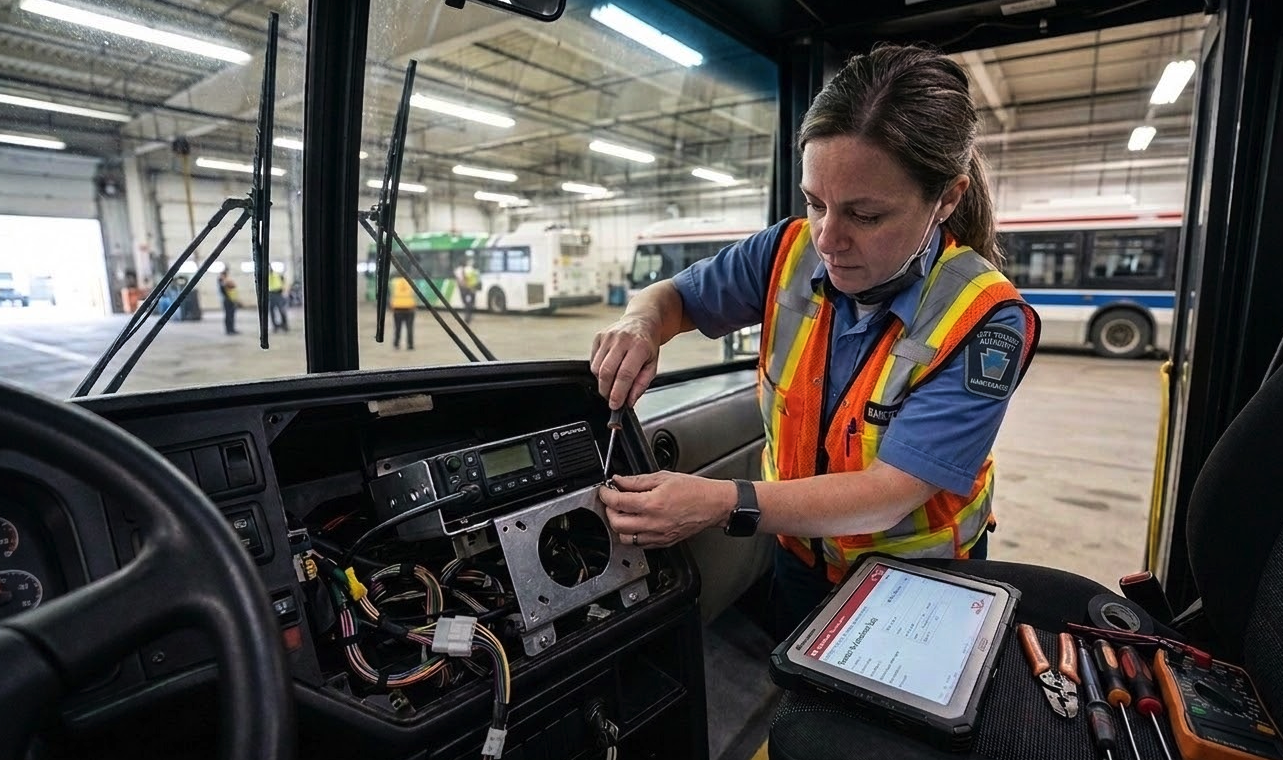
The radios are installed. The subcontractor says the work is done. You ask for documentation and get a PDF from their system — their form, their format, their version of what happened. Maybe a few photos in a separate email. Maybe a text message saying "all good."
Now multiply that across every vendor, every install, every piece of equipment across your fleet or your facilities. Radios, CCTV cameras, fare equipment, signage, emergency systems. Each vendor documents differently. Each one sends records in their own format, on their own timeline, through their own channels.
When something goes wrong, whether it's damaged equipment, incomplete work, or a warranty claim six months later, you're reconstructing the story from email threads, photo galleries, text messages, and a vendor report that conveniently shows everything went fine.
This is where project-based field documentation falls apart. Not because nobody documented anything. Because everyone documented in their own way, in their own system, for their own purposes.
The Email Thread Problem
Equipment installation projects generate a constant flow of updates. Commissioning status. Punch list items. Damage discovered during install. Progress photos. Sign-off requests.
Most of this lives in email. And email is terrible at being a record system.
A project manager overseeing radio installations across a transit fleet might have confirmation of completed work scattered across a dozen threads with three different vendors. When the operations team reports a problem with a unit that was supposedly commissioned last month, the PM has to dig through email to figure out who installed it, when, what was tested, and whether the sign-off actually happened.
If the vendor's project lead has since moved on, the institutional knowledge goes with them. The email trail exists, but finding the relevant thread, in the right inbox, with the right attachment? That's not retrieval. That's archaeology.
Vendor Documentation Serves the Vendor
When a subcontractor fills out their own installation report, they're documenting what they need for their records. Not what you need for yours.
Their form might confirm "installation complete." But what's actually in it? A checkbox and a date someone typed in after the fact. Compare that to what you actually need as the agency managing the project:
A timestamp proving when the work happened. Not when someone got around to filling in the form.
Photos taken on-site, at the time of installation. Not photos submitted from a desk three days later. If the system requires the camera to capture the photo in the moment, the technician can't submit a saved image. If they want to submit the form later, they have to physically go back to the site.
GPS coordinates proving the technician was at the specific vehicle, facility, or location.
A full written description of the work performed. Not "installed as per spec" but what they actually did.
A checklist of required tests completed: power test, signal test, integration test, whatever the equipment demands.
Serial numbers, model numbers, and asset details for the installed equipment.
The installer's signature, captured digitally, with a timestamp showing when they signed.
A vendor's own form almost never captures all of this. And why would it? Their documentation serves their close-out process. You're the one holding the purse. You're the one who needs accountability when something fails, when a warranty claim lands, or when an auditor asks for the install record. You set the standard for what gets documented. Not the vendor.
The Toronto Transit Commission learned this the hard way with PRESTO fare equipment. The city's auditor general found that when fare machines malfunctioned, the responsible vendor would close service tickets noting the equipment was "functioning properly." The specific malfunction wasn't technically their responsibility. Split vendor accountability, each documenting for themselves, cost the TTC $3.4 million in lost fare revenue in a single year. The documentation existed. It just didn't serve the transit agency.
Worse, a sub-vendor was purging system logs after 60 days instead of the contracted seven-year retention period. When you need those records for an audit or a dispute, they're already gone. Not because they were never created, but because retention wasn't in your control.
What One Standardized Report Solves
The fix is straightforward: your vendors fill out your forms. Not theirs. Yours.
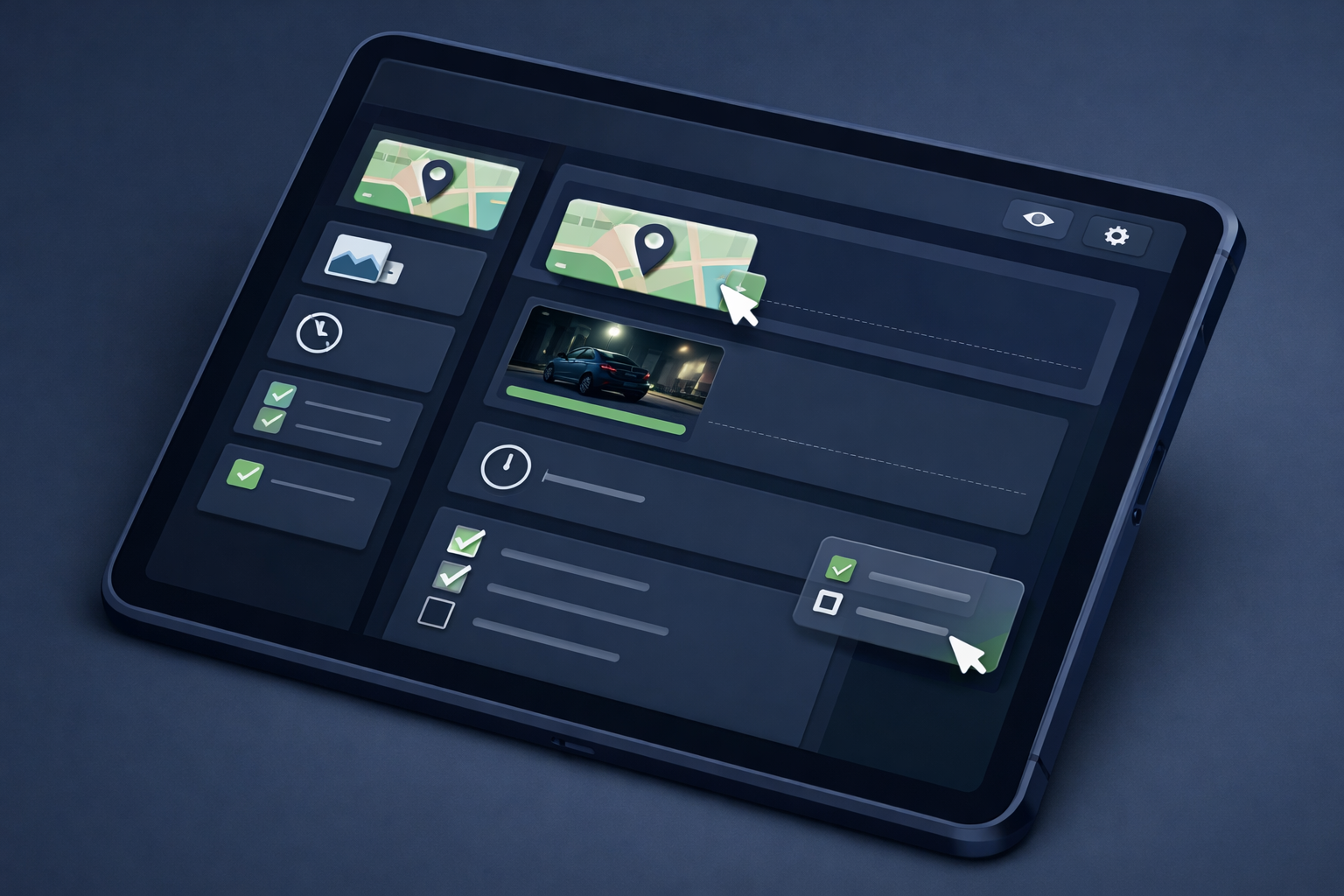
You design the installation report. You decide what fields are required. You determine which photos are mandatory. The vendor completes your form on-site, at the time of installation, using a device that captures when and where the report was submitted.
Commissioning and Acceptance
Equipment commissioning follows a predictable sequence: factory testing, site installation, system testing, integrated testing, acceptance. Each stage needs its own documentation.
With a form builder, you create a commissioning checklist for each equipment type. Radio install? Required fields for serial number, mounting location, power test results, antenna check, frequency programming confirmation. Required photos of the installed unit, the wiring, the mounting hardware. A sign-off field for the technician who did the work.
The vendor can't submit the form without completing every required field. No more "I'll send the photos later." The photos are in the report. The timestamp is on the report. The GPS coordinates are on the report. One submission, one record, everything attached.
And if the report doesn't meet your standard because of incomplete fields, missing photos, or no signature, then the work isn't documented. If the work isn't documented, it isn't accepted. If it isn't accepted, the invoice doesn't move. That's not punitive. That's project management. You're tying payment to proof of completed work, which is exactly how it should work.
Damage Discovery
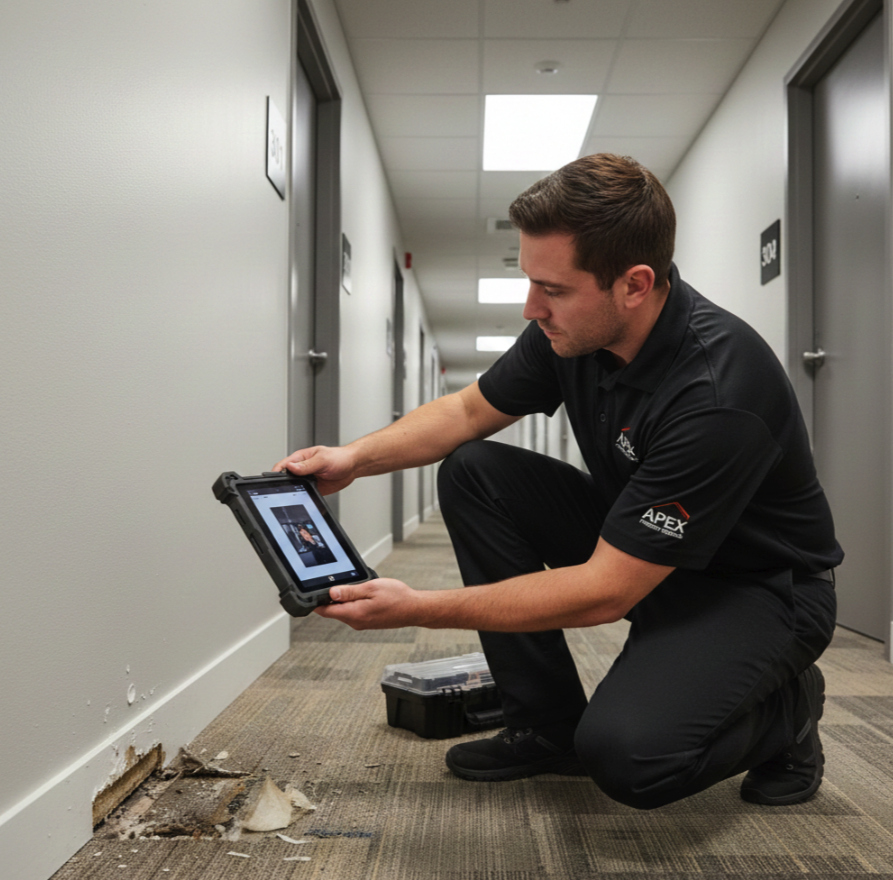
Equipment arrives damaged. A tech drops a unit during install. Existing infrastructure gets scratched or dented during the work. These things happen.
What matters is how fast the documentation starts. If the process is "take a photo on your phone and email the PM," that photo lives on someone's personal device until it's eventually forwarded. The timestamp might get questioned. The location isn't verified. If the damage isn't reported until the next day, the vendor can argue it happened after they left.
A damage report form, submitted immediately on-site with required photos and automatic timestamps, starts the accountability trail the moment the problem is discovered. The record locks after submission. Nobody can alter it after the fact. That's your starting point for the vendor conversation, the warranty claim, or the insurance process.
Progress Tracking Without the Email Chase
A project manager shouldn't have to email three vendors and wait two days to know where installations stand.
When every installation gets a standardized report submitted at the point of completion, automatically emailed to you and every required stakeholder the moment it's submitted, progress is visible immediately. Thirty radios scheduled for install this week. Twenty-two reports submitted. Eight outstanding. You can see which locations are done, which photos are attached, and whether the sign-off happened. No follow-up emails required.
If there's a problem with a specific install, you pull the report and send it back to the vendor as the basis for the conversation. Not "can you check unit 47 on bus 2215?" but "here's the report showing what was documented during install. The antenna test failed and here's the photo showing the mounting bracket."
Making It Work With External Teams
The objection is always the same: "Our vendors won't use our system."
They will, if the barrier is low enough. Browser-based forms eliminate the app store problem. The vendor's technician opens a link on their phone, fills in the fields, takes the required photos, signs, and submits. No software to install. No training beyond "complete these fields and take these photos."
You can share form access through public links without giving vendors access to your internal system. No OneDrive sharing. No SharePoint permissions. No worrying about whether a subcontractor still has access to your document library after the project ends. The vendor gets a link to a form. They fill it out. It goes directly to your inbox, and to every other stakeholder you've configured, the moment it's submitted. The vendor can receive a copy for their own records too. Your centralized storage gets a searchable, exportable PDF. Access control is never an issue because there's nothing to control.
You control each link's lifecycle from the start. Single use for a one-time install. Limited uses for a fixed scope of work. Unlimited for ongoing maintenance. Set an expiration date tied to the contract end, or leave it open indefinitely.
When the project ends, you don't have to remember to revoke SharePoint permissions or deactivate vendor accounts. The link expires on its own based on the rules you set. And if you need to pull access immediately — vendor replaced mid-project, contract dispute, scope change — just delete the link. It's gone. No lingering access, no risk of a former subcontractor still submitting into your system six months later.
If they're working in a transit yard with spotty signal, inside a vehicle bay, or underground, offline capability means the form works without connectivity and syncs when the device reconnects. No lost reports because someone was in a dead zone.
The key shift: the vendor's technician fills out your form, with your required fields, in your system. Their documentation becomes your documentation. One record, one format, one source of truth.
What to Do This Week
If your current equipment installation process involves accepting vendor-provided documentation, three things worth doing:
Audit one recent project. Pick the last equipment installation your team managed. Try to reconstruct the full timeline: who installed what, when, what was tested, what photos exist, where the sign-off lives. Time how long it takes. That's your baseline for how broken the process is.
List what you actually need per install. Not what the vendor gives you. What you need. Equipment type, serial number, location, photos of installed unit, test results, technician name, sign-off, timestamps. That's your form.
Decide who owns the record. If the vendor keeps the original and sends you a copy, you're dependent on their retention policy. If the record lives in your system from the moment it's submitted, retention is in your control. So is the audit trail.
The work gets done. Vendors install the equipment, run the tests, move on to the next job. Whether you can prove what happened to auditors, to warranty providers, to your own operations team six months later, depends on whether the documentation was built for you or for the vendor.
Want to standardize how vendors document installations? FieldPad lets you build custom commissioning and installation forms with required photo fields, GPS verification, system-generated timestamps, and digital sign-off. Share forms with external teams through public links — no app downloads, no per-user fees. Records lock after submission and export as PDFs for your files. Learn more about the Report Builder →