
A property manager calls your office. They want to know if last night's patrol actually happened. The officer logged a complete tour, but an incident occurred in a section that was supposedly checked at 2am. Now everyone wants answers.
This is the moment your patrol documentation either proves its value or exposes its weakness.
If you can pull up GPS coordinates, timestamped photos, and detailed patrol reports showing exactly where your officer was and what they documented, the conversation goes one way. If all you have is a paper sign-off sheet or a system that only records button taps, the conversation goes another way entirely.
Most guard tour systems lock you into their checkpoint model. Scan this beacon. Tap this NFC tag. Follow their pre-built workflow. But every security operation is different. Different sites, different client requirements, different patrol protocols. The question is not what rigid system to buy, but whether you can build the exact patrol documentation system your operation needs.
The Core Purpose: Proving What Happened
Your client pays for patrol coverage. They expect officers at specific locations at specific times, documenting conditions and responding to issues. When something goes wrong, you need to prove your team was where they claimed to be and what they saw.
A button tap at a checkpoint proves proximity. A photo speaks a thousand words. GPS coordinates prove physical presence. Timestamped documentation proves timing. The question is whether your system captures what actually matters for your operation, not just what the vendor decided to track.
Think about what happens during a dispute. The client says the area was not properly patrolled. Your officer says it was. If your documentation is just checkpoint scans with no visual evidence or notes, you are asking the client to trust that the officer actually looked at what matters. Photos of locked doors, clear walkways, or suspicious activity change that conversation entirely.
What Your Patrol Documentation Must Capture
These capabilities are non-negotiable. The question is whether you can configure them into your patrol forms, not whether the vendor's pre-built system includes them.
GPS Verification
Every patrol report should capture GPS coordinates automatically. Not entered by the officer. Not approximated. Captured by the device at the moment of submission.
This proves physical presence. An officer cannot submit a patrol report from their car in the parking lot and claim they walked the building. The coordinates show exactly where they were standing.
GPS verification also matters for incidents. If an officer reports suspicious activity, the location data backs up their account. When someone challenges the report later, you have coordinates showing the officer was on site.
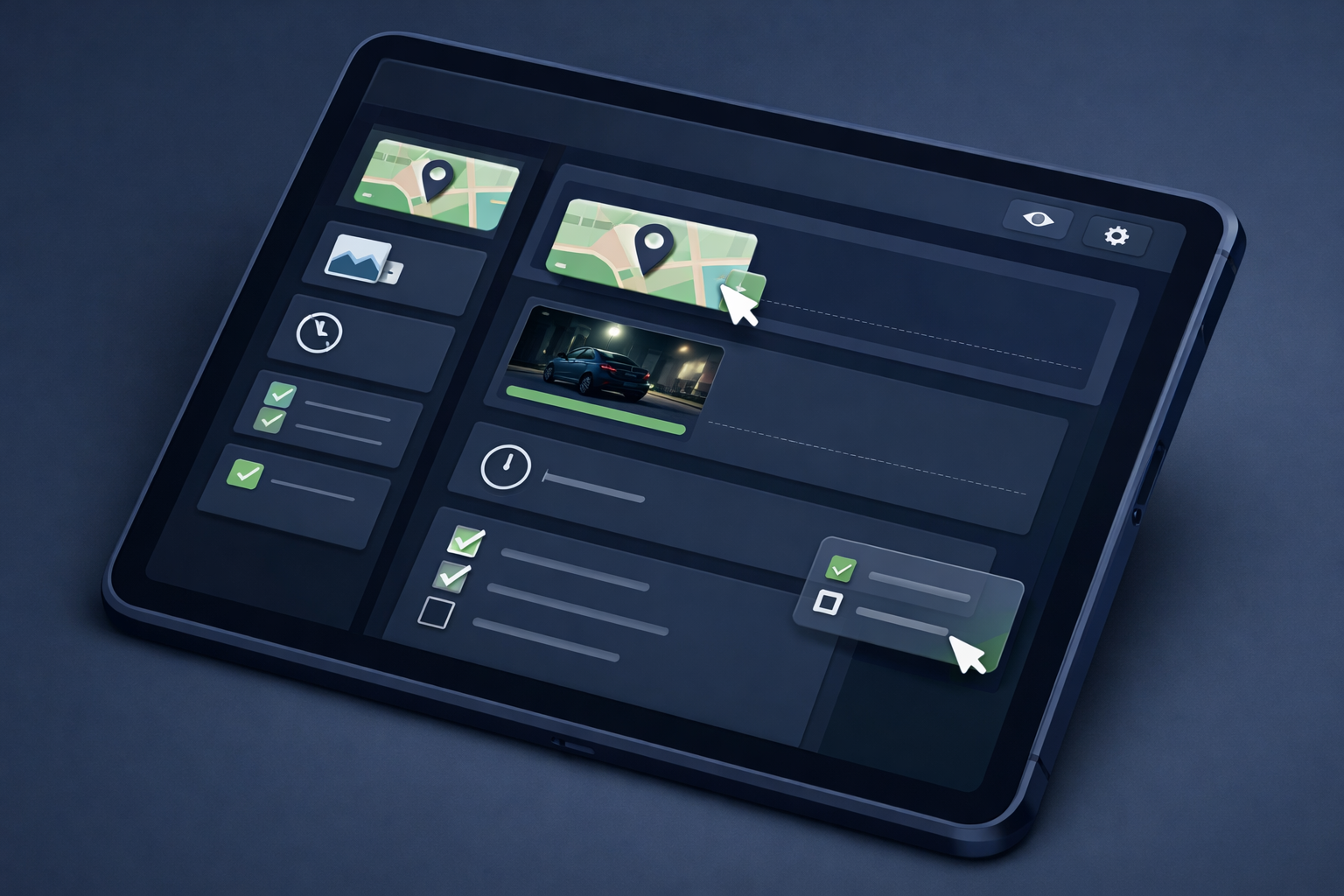
With customizable forms, you decide when GPS matters. Checkpoint scans? Include GPS. Incident reports? Include GPS. Routine inspections? Make it optional. You design what accountability looks like.
Timestamped Submissions
Timestamps need to come from the system, not from the officer selecting a time. Manual time entry invites errors and, in worst cases, falsification.
A proper system captures the timestamp when the report is submitted. The officer does not choose when it happened. The system records reality.
This creates a defensible timeline. If a client asks whether the 2am patrol actually happened at 2am, you can show them. The timestamp is not something anyone typed in. It is when the device registered the submission.
With customizable forms, you control how timestamps work. Configure date/time fields as system-generated and locked (auto-filled when the form opens, not editable) for evidence-grade documentation. Or make them editable for scenarios where officers need to record estimated times or scheduled events. You can even constrain editable timestamps to only past dates (incident reports) or only future dates (scheduled inspections). Every form can have different timestamp rules based on what that documentation needs to prove. No coding required—just configure the field settings in the form builder.
Photo Documentation
A location entry proves an officer was near somewhere. A photo proves what they saw.
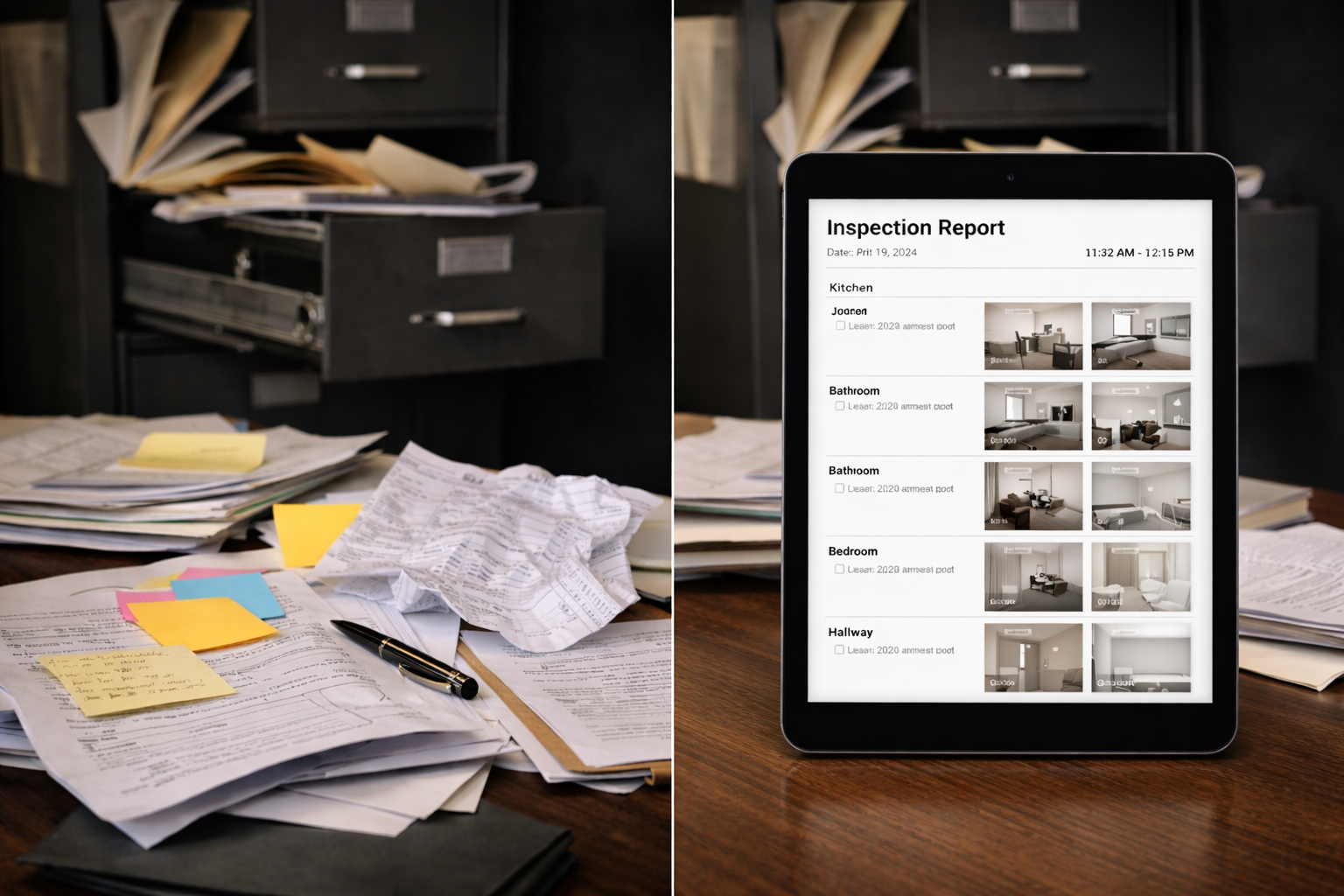
Photos captured alongside GPS coordinates and system timestamps in the same report create complete documentation. When a photo is taken, the system records the exact capture time. If the form includes GPS fields, location data is captured separately. All this information appears together in the report—proving when and where documentation occurred. Photos also capture conditions at the time of patrol. Doors locked. Lights working. No visible damage. If something changes between patrols, you have before-and-after documentation.
Here is where customizable forms shine. You decide what requires photos. Make checkpoint photos required. Make incident photos required. Add GPS fields to capture location alongside photos. Enforce photographic evidence for anything that matters. An officer cannot submit the form without the photo. That is accountability by design.
Photo documentation turns patrol logs into evidence. When an incident occurs, you have visual records from the last time that area was checked. Not because you hoped officers took photos, but because your form required it.
Offline Capability
Officers patrol parking garages, basements, stairwells, and areas with poor cell coverage. A system that requires constant internet connection will fail in exactly the places where documentation matters most.
Offline capability means the app works without signal. Officers complete their forms normally. Data stores locally on the device. When connection returns, everything syncs automatically.
If your current system shows spinning wheels or error messages when officers enter dead zones, that is a gap in your documentation. The patrol happened, but the system did not capture it properly.
What You Can Build Into Your System
Beyond the essentials, customizable patrol forms let you design documentation that fits your operation. You are not limited to what a vendor decided to track.
Site-Specific Patrol Forms
Different properties have different patrol requirements. A warehouse needs different checkpoints than an office building. A construction site needs different documentation than a retail parking lot.
With customizable forms, you build exactly what each site needs. Add checkpoints as form fields. Include site-specific questions. Require photos of specific areas. Change requirements as client needs evolve. No support tickets. No vendor calls. You manage your own system.
Traditional guard tour systems give you their checkpoint list. Customizable forms give you a form builder. That is the difference between adapting to their system and building yours.
Incident Reporting Within Patrol Workflow
Patrols and incidents go together. An officer checking a door discovers it was forced open. They need to document what they were doing and what they found.
Customizable systems let you design this workflow. Create a patrol form template. Create an incident report template. Officers use whichever fits the situation. Or build an incident section into the patrol form itself. You decide how documentation flows.
Traditional systems separate patrol tracking from incident reporting because they were built for different purposes. Customizable forms do not have that limitation. One platform, any workflow you design.
Real-Time Visibility Into What Was Submitted
Knowing what officers documented during their shift helps supervisors spot gaps before clients do. If a required checkpoint was not logged or a patrol form was not submitted, you see it immediately.
This is not just tracking officer locations. This is tracking completed work. What reports were submitted. What sites were checked into. What photos were captured. What forms are still pending.
Real-time visibility also helps with client communication. When a property manager asks about patrol activity, you can pull up submitted reports immediately instead of waiting for shift summaries.
Pricing Traps to Avoid
Guard tour systems have creative pricing models. Some of them will cost you more than the sticker price suggests.
Per-Checkpoint or Per-Scan Pricing
Some vendors charge based on the number of checkpoints you scan or reports you submit. This seems reasonable until you scale. Add a new property with 30 checkpoints. Your monthly bill increases. Add seasonal coverage with extra patrol routes. Your bill increases again. Add thorough incident documentation. Your bill increases even more.
Per-checkpoint pricing punishes comprehensive documentation. The more diligent your officers are, the more you pay. That creates exactly the wrong incentive.
Form-based systems avoid this trap. Pricing is based on your subscription tier, not your usage volume. Create as many custom forms as your plan allows. Submit reports with limits generous enough that most operations never hit them. Enterprise plans scale without usage-based fees. You manage checkpoints, patrol routes, and documentation requirements without watching a meter tick up with every scan. Your documentation should be as thorough as your operation requires, not as limited as your per-scan budget tolerates.
Proprietary Hardware Requirements
Some systems require their specific NFC tags, beacons, or scanning hardware. This locks you into their ecosystem. Need more tags? Buy from them. Hardware breaks? Replace through them. Want to switch vendors? Rip out all the installed hardware first.
You are not buying documentation tools. You are buying hardware vendor dependency.
Form-based patrol documentation eliminates this entirely. No NFC tags to install. No beacons to maintain. No proprietary hardware to replace. Officers use the devices they already have. Forms capture GPS, photos, timestamps, and notes. You get proof of presence without installing anything at patrol sites.
If you want to use QR codes or NFC tags for checkpoint verification, you can add them. But they are optional enhancements, not vendor lock-in requirements. You are managing forms, not buying commodity hardware.
App Store Dependencies
Native apps distributed through Apple and Google app stores create friction. Different versions for iOS and Android. Update delays when Apple takes a week to approve changes. Officers with older phones that cannot run the latest version.
Browser-based apps avoid these problems. Officers open a URL, log in, and start working. Updates happen automatically. Any device with a modern browser works. No app store downloads, no version mismatches, no IT deployment headaches.
The Cross-Platform Reality
Your officers have iPhones. Some have Android phones. Supervisors might use tablets. The office runs on computers.
A guard tour system that only works on one platform creates problems. You either standardize devices, which is expensive, or you accept that part of your team cannot use the system properly.
Cross-platform solutions work on everything. One system, every device. An officer's phone breaks mid-shift and they grab a spare tablet. It works. No reconfiguration, no special setup, no lost patrol data.
Browser-based systems handle this naturally. If the device has a browser, it runs the app. That simplicity matters when you are onboarding new officers or dealing with equipment failures.
Questions Before You Choose
Before committing to any patrol documentation system, ask these:
Can we configure GPS capture for the forms that need it?
Are timestamps generated by the system or entered by officers?
Can we make photos required for specific reports?
Does the app work offline and sync automatically?
What happens to our cost if we add 50 forms or submit 500 reports next month?
Does the system require us to buy proprietary hardware?
Can we build our own patrol workflows, or are we locked into theirs?
Can officers use any device without app store downloads?
If any answer is unclear or unfavorable, that is where problems will emerge.
Patrol documentation exists to prove your officers did their jobs. Customizable systems let you design exactly what that proof looks like. Rigid guard tour systems force you into their model. Choose accordingly.
Looking for a patrol documentation system you can customize? FieldPad lets you build your own guard tour forms with GPS verification, required photos, automatic timestamps, and offline capability. Device-based licensing with high submission limits—no per-checkpoint fees, no proprietary hardware. Works on any device. Learn more about the Report Builder →