
A tenant moved out last week. There's damage to the carpet, a crack in the countertop, and a dent in the refrigerator door. They insist it was there when they moved in. You pull up the move-in inspection from a year ago but it's a paper form with checkmarks and "good" scrawled next to each room. No photos. No timestamp beyond a handwritten date. The tenant's signature is at the bottom, but they claim they signed before the walkthrough even happened.
This is where documentation fails them.
On its own, the move-in inspection is just paperwork. "Good" written next to a room doesn't help, especially when the tenant pulls out photos they claim were taken the day they moved in. Their documentation has timestamps and images. Yours has a checkbox.
Why Move-In Documentation Breaks Down
Most inspections are rushed. The tenant is eager to get their keys, the property manager has other showings, and nobody wants to spend an hour photographing cabinet interiors. So you do the quick walkthrough, check the boxes, get a signature, and move on, which works until it doesn't.
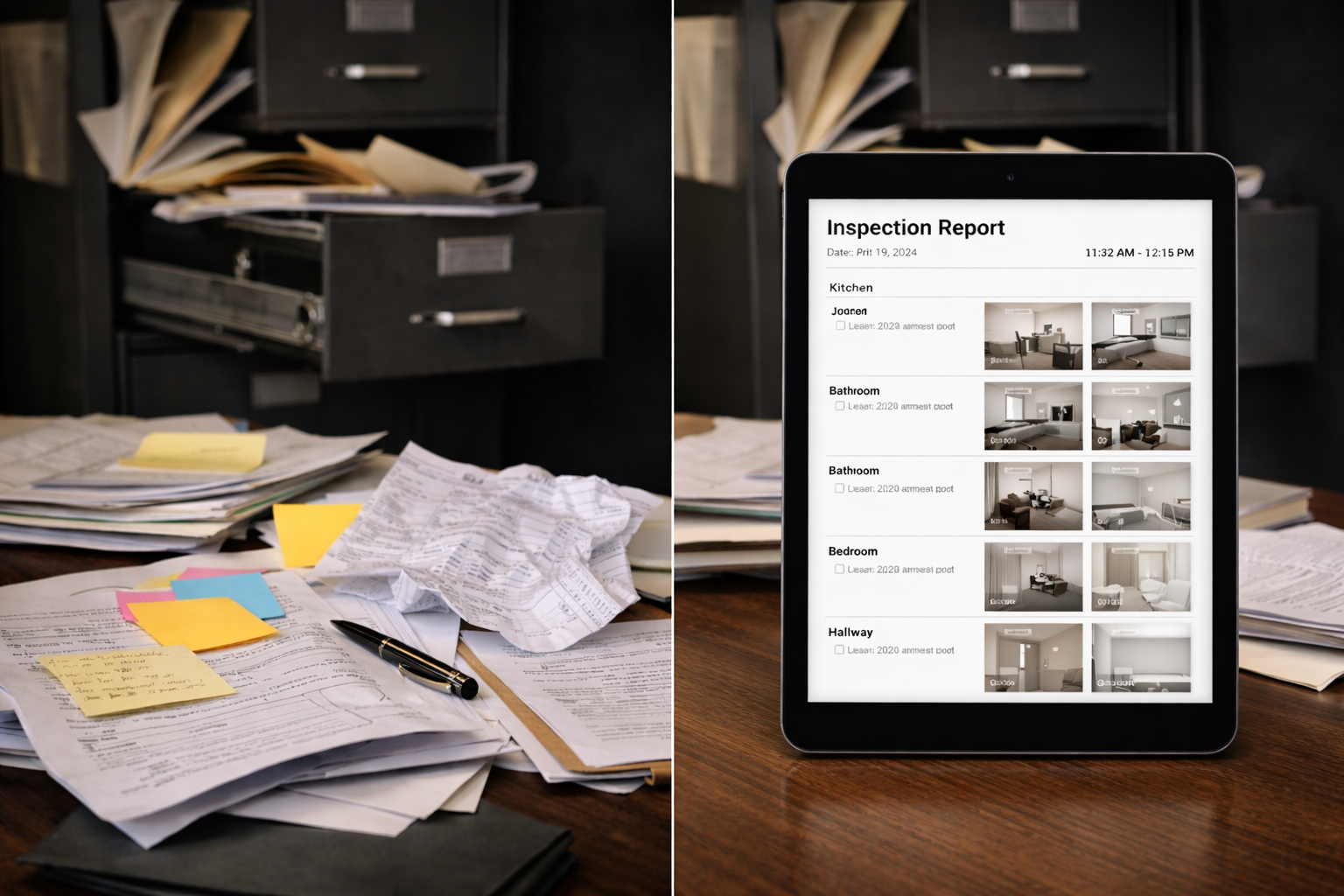
Most forms look like this a paper checklist with broad categories. Kitchen: good. Bathroom: good. Living room: good. Maybe a note about a scratch on the floor. Photos taken on someone's phone, which may or may not be findable months later.
The tenant signs at the bottom. Both parties assume they're covered.
On move-out day, the tenant disputes the damage. They don't remember the scratch. The stain wasn't there. The dent happened before they arrived.
Sure the move-in form says "good" everywhere but there aren't any photos of the specific areas in question. The tenant's signature proves they signed something, but not that they agreed to the documented condition of each room so adjustications or claims or arbitration comes down to whose word is more credible. Without evidence, you're arguing memory against memory.
What Defensible Inspections Actually Require
A move-in inspection that holds up under dispute needs five things. Missing any one of them creates a gap that tenants and their representatives will argue over.
Everything Goes Into the Form
You inspect the area. You document it. You add comments. You take photos. You take close-ups of existing damage. All of this gets embedded with metadata — time, date, location, your signature, the tenant's signature.
You do this for every room. You do this for every unit. You have a system in place, and you can always pull it back.
When a tenant produces photos they claim were taken on move-in day, you're not matching their word against yours. You're matching their phone photos against a complete inspection record with embedded timestamps, GPS coordinates, and signatures on file.
GPS Verification
This seems excessive until you need it. GPS coordinates embedded in the inspection record prove the inspector was physically at the property when the documentation was created. It removes the argument that someone filled out the form from an office.
A Standardized Checklist
The same items checked for every unit, every time. Required fields mean nothing gets skipped because someone was in a hurry.
Standardization does two things. It ensures consistent documentation across properties. And it makes it harder for tenants to claim selective enforcement, where you documented damage in their unit but not in others.
The Tenant's Signature
Not just any signature. A signature on the completed inspection, after the walkthrough, acknowledging the documented condition.
Digital signatures with timestamps are stronger than ink on paper. They show exactly when the acknowledgment happened, on which document, from which device.
Some property managers have tenants sign before the walkthrough to save time. This undermines the entire point. The signature should confirm the tenant reviewed and accepted the documented state.
Centralized, Searchable Storage
The person who needs to find the inspection might not be the person who created it The superintendent could have left or the staff member who did the walkthrough doesn't work there anymore and now the tenant is disputing charges with someone who wasn't even involved in the move-in.
If the inspection lives on one person's phone, in an email thread, or in a filing cabinet, it might as well not exist. A centralized system means anyone can search for it by unit, address, or tenant name regardless of who has it in memory or who had it on their device.
Handling Common Disputes
Move-out disputes follow predictable patterns. Having the right documentation changes each of these conversations.
"That Damage Was Already There"
Pull the move-in inspection report and photos in a PDF format. Find the specific area in question and compare to move-out condition.
If the move-in photo shows clean carpet and the move-out photo shows a stain, the comparison speaks for itself. If there's no move-in photo of that area, you're back to arguing.
"I Never Agreed to That Condition"
The tenant signed the inspection. Their signature, with timestamp, on the document that includes the photos and notes.
If they signed a paper form with vague descriptions, they can argue they didn't know what they were agreeing to. If they signed a digital inspection with photos attached, the argument is harder to make.
"Those Photos Could Be From Anywhere"
Photo metadata shows capture date, time, and GPS coordinates. The inspection record shows it was created at the property, on a specific day, by an identified inspector.
Chain of custody matters. If photos were taken on a personal phone, emailed around, and eventually attached to a file somewhere, the trail is messier. If they were captured within a system that logs everything automatically, the trail is clean.
Once the record is submitted, it locks. The system makes it cryptographically auditable — if anyone edits it, that edit is visible. But you don't edit it. That's the point. It's your record, unchanged, exactly as it was documented. That's your proof. Your lawyer will love it.
"You Treated Me Differently Than Other Tenants"
A standardized process makes this easy to refute. Same checklist, same photo requirements, same procedure for every unit.
If your documentation is inconsistent across tenants, the selective enforcement argument has teeth. Consistent systems protect you.
The 15-Minute Investment
A thorough move-in inspection takes longer than a quick walkthrough. Maybe 15 to 20 extra minutes.
That time pays off the first time you don't have to eat a repair bill. It pays off again when a dispute that would have gone to small claims gets resolved with a single PDF.
Property managers who document properly don't spend hours reconstructing records, searching through old phones, or testifying about what they think they remember.
What Better Documentation Looks Like in Practice
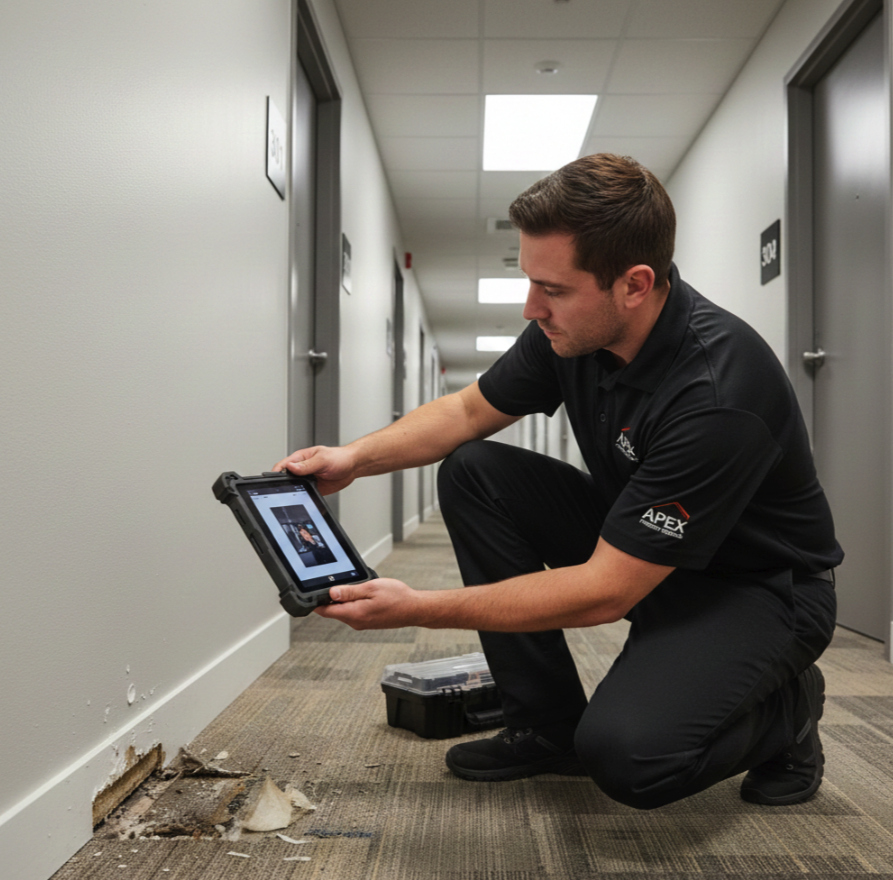
Your sales rep or building staff arrives to the unit with a tablet or phone. They open the unit's inspection form, which is already loaded with the standardized checklist.
Room by room, they take photos. They note any existing damage in the required fields and attach to the relevant sections.
When the walkthrough is complete, the tenant reviews the documentation on the device. They see the photos, the notes, the condition summary. They do this by room or at the end. They sign digitally, acknowledging what's been recorded on the phone. You sign as well.
The inspection locks. It syncs to centralized storage. You can automtically email it to yourself in a PDF format, or print it later and secure it in any file system you have. Anyone with permission can retrieve it instantly by searching for the unit or tenant.
Months later, when the tenant disputes a charge, the property manager pulls up the record in under a minute. Photos, notes, signatures, timestamps, GPS. Everything needed to resolve the dispute is in one place.
Questions Worth Asking
Before your next move-in:
Do we have photos of what we need that could later show damage?
Are those photos timestamped and GPS-tagged automatically?
Does the tenant sign after reviewing the completed documentation?
Can we retrieve this inspection in 30 seconds if we need it?
Is our process identical for every unit?
If any answer is uncertain, that's where disputes will find their opening.
Standard move-in inspection forms that lack timestamps, photos, signatures, or centralized storage aren't really inspections. They're formalities. And formalities don't hold up when someone challenges them.
Ready to upgrade your move-in inspections? FieldPad gives you timestamped photos, GPS verification, digital signatures, and centralized storage — all in one system. Read more at: