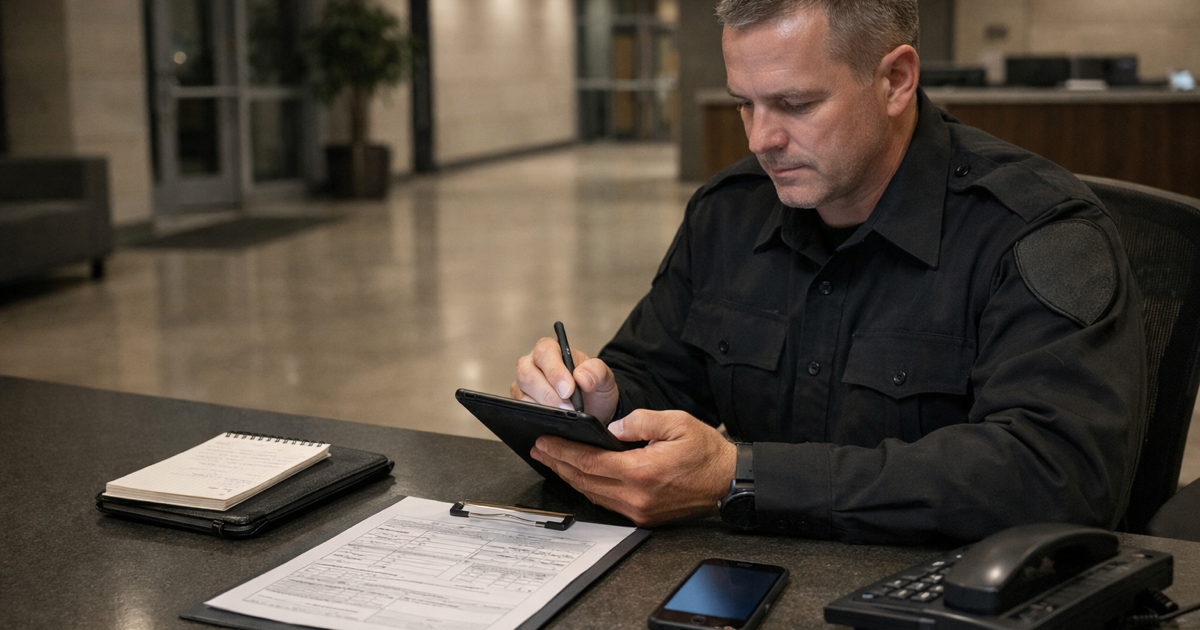


A tenant slips in your parking lot. Six months later, you're sitting across from an attorney who asks one question: "Can you prove your officer actually inspected that area?"
This is where most documentation falls apart.
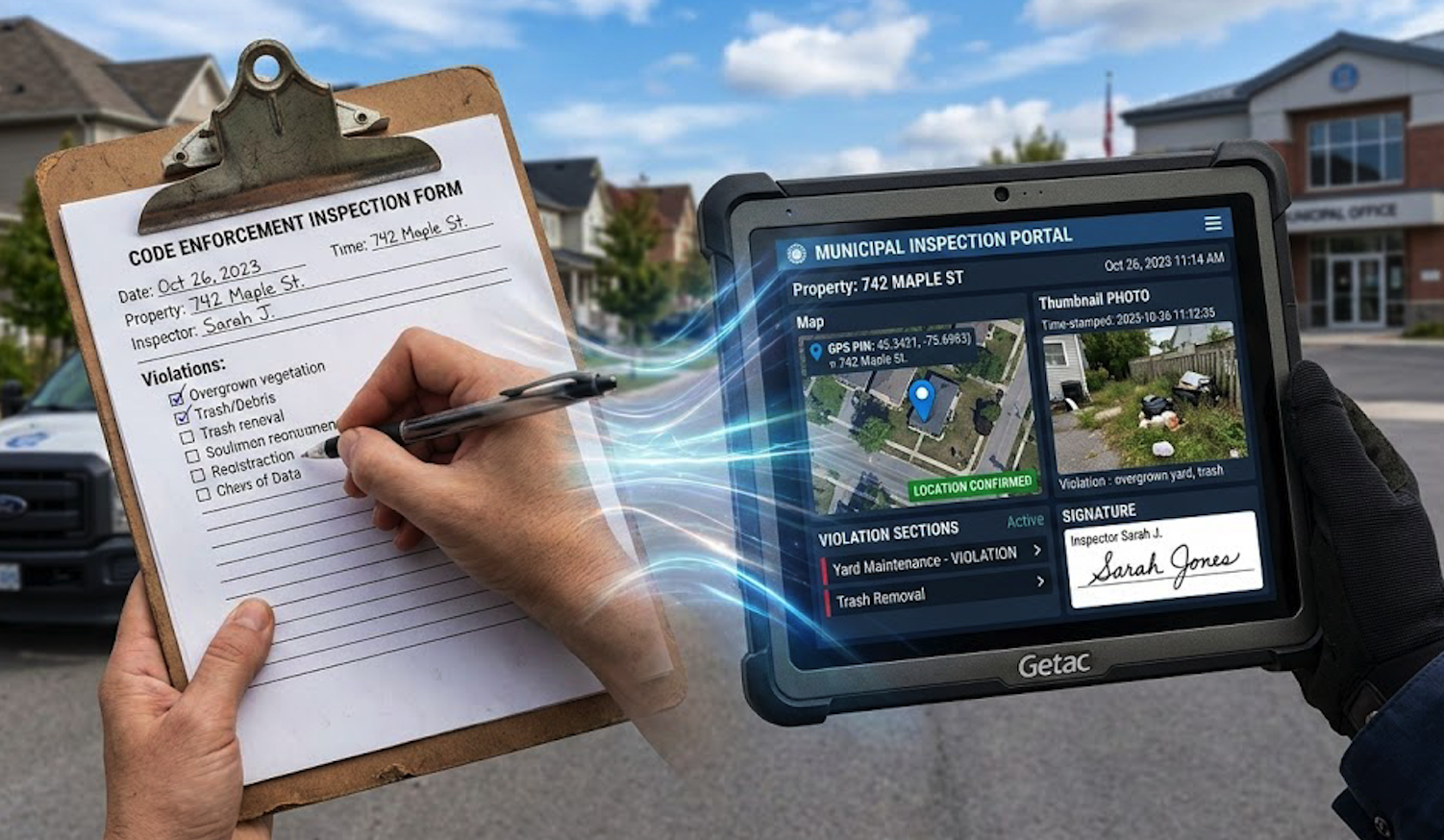
If you can pull up a timestamped photo with GPS coordinates and a digital signature, you're in a defensible position. If you're looking for a paper form in a filing cabinet, one that says "lot checked" in someone's handwriting, you're going to have a harder time.
Parking operators, security firms, property managers, municipalities. If you're responsible for site inspections, this isn't a hypothetical.
The short version: Courts want proof of who was there, when, where, and that the record wasn't changed after the fact. Paper and email typically can't provide this.
What Actually Gets Reviewed
Judges and attorneys look at three things. Authenticity, accuracy, and integrity. If any one is missing, the report loses credibility.
Who Wrote This?
A lot of teams share login accounts. Makes sense operationally. But when someone asks which specific officer submitted a specific report, shared accounts create problems.
What holds up better:
Individual logins, not shared credentials
Digital signatures tied to one person
An audit trail that shows who did what
Can You Prove It Happened?
Memory isn't reliable. An officer writing a report four hours after an event will forget things. The next day, more details disappear.
Documentation that captures facts at the time of the event is harder to challenge:
GPS coordinates, which prove physical presence
Timestamps generated by the system, not entered manually
Photos with embedded metadata showing when and where they were taken
When opposing counsel says "the officer wasn't even there," GPS logs tend to end that line of questioning.
Has Anything Been Changed?
Paper can be altered. So can most digital files. The question is whether your system tracks changes or prevents them.
Things that help:
Records that lock after submission
A visible edit history, if edits are allowed
Some kind of verification that the document is unchanged
In slip-and-fall cases, reports without GPS or verifiable timestamps are often dismissed. Even when the inspection probably did happen.
Five Things That Make a Report Defensible
If a report is missing any of these, it's more vulnerable under review:
Exact time. A system-generated timestamp. Not "around 9pm."
Exact location. GPS coordinates. Not "near the back entrance."
Officer identification. A signature from a personal account, not a shared one.
Photos with metadata. Showing when and where they were captured.
Witness details, when relevant. Names and contact info.
Where Paper and Email Break Down
Most teams still use some combination of paper forms, phone photos, and email. It works day to day. But under legal review, it often doesn't hold.
Paper
No automatic timestamps. No GPS. No attached photos. Someone could fill out a form days after the fact and backdate it. There's no system-level record saying otherwise.
Photos Scattered Across Devices
An officer takes photos on their phone. Those get texted to a supervisor, maybe forwarded in an email chain. Six months later, can anyone locate them? Prove when they were taken? Confirm they weren't cropped or edited?
Shared Logins
Per-user licensing adds up, so teams share credentials. Understandable. But when you need to show which individual documented which incident, shared accounts leave you with nothing traceable.
What Better Documentation Looks Like
The shift is simple: treat documentation like evidence collection, not paperwork.
Every patrol log, incident report, or inspection is a potential record that might be reviewed later. What matters is whether that record can stand on its own.
Systems that do this well usually work like this:
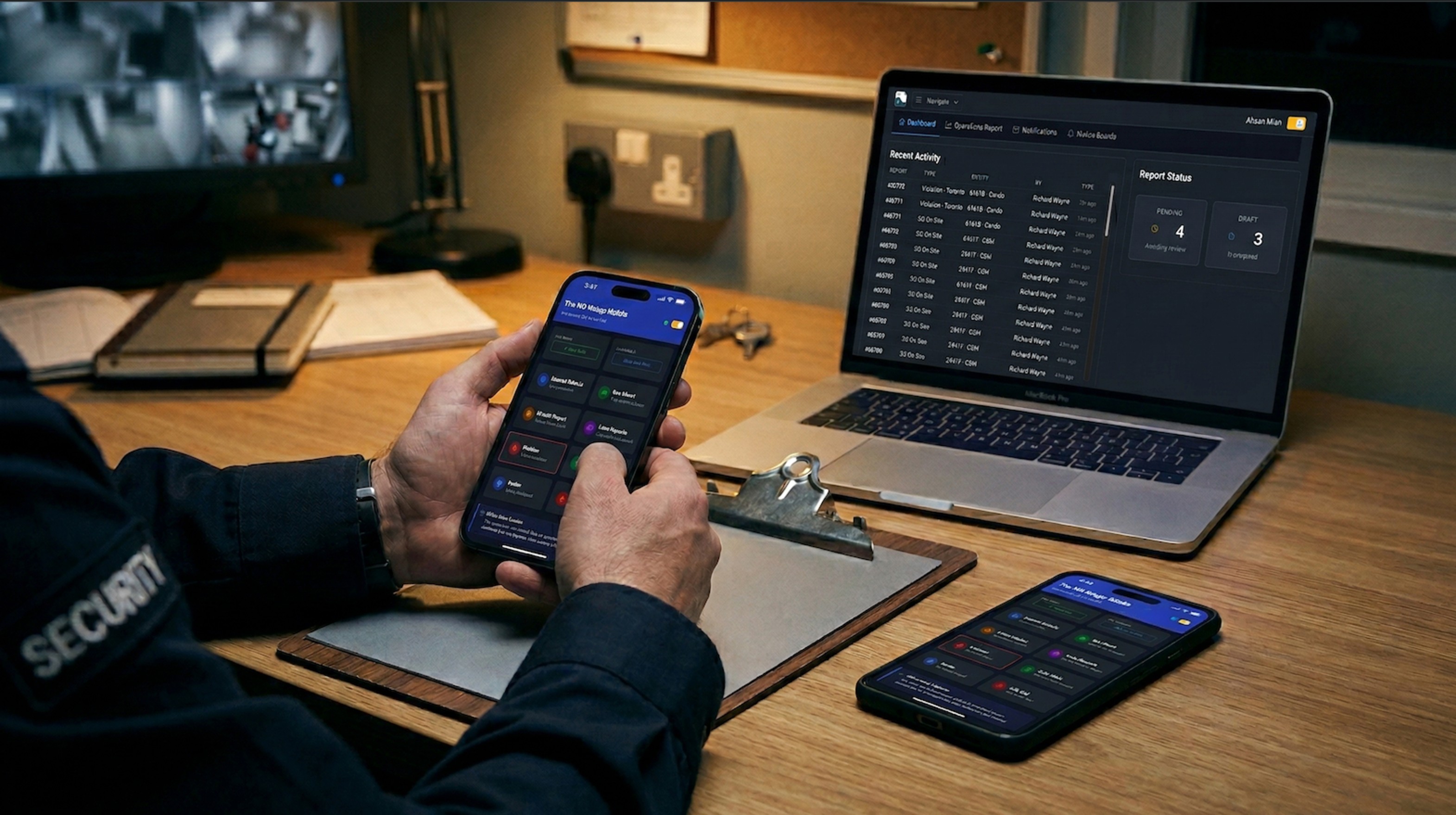
Officer logs in with their own credentials
GPS and timestamp are captured when the report starts
Photos are tagged with metadata automatically
Required fields mean nothing gets submitted incomplete
A digital signature ties the report to a specific person
The report locks once it's submitted
Months later, you can retrieve it in seconds. Everything is traceable.
A Simple Check
Documentation that can't prove time, location, identity, and integrity isn't really defensible. Doesn't matter how routine the inspection was.
Three questions worth asking:
Can we actually prove an officer was on site at the time they said they were?
Do we have a record of exactly when the report was created?
Could someone argue we altered this after the fact?
If any of those answers feel uncertain, that's the gap.
See how FieldPad handles this → FieldPad | Product